All about product
 Specification
 Reviews
 Questions
 Information
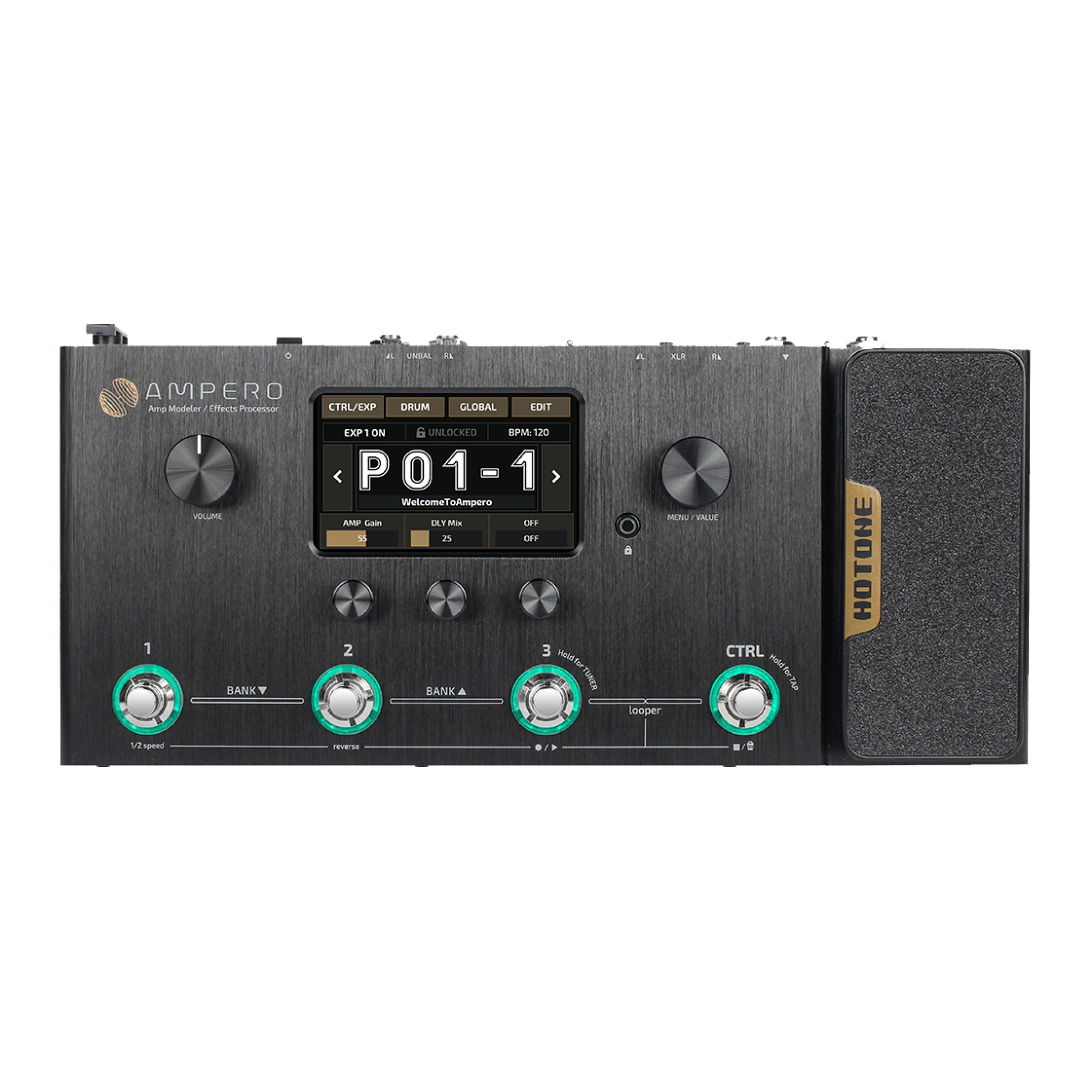
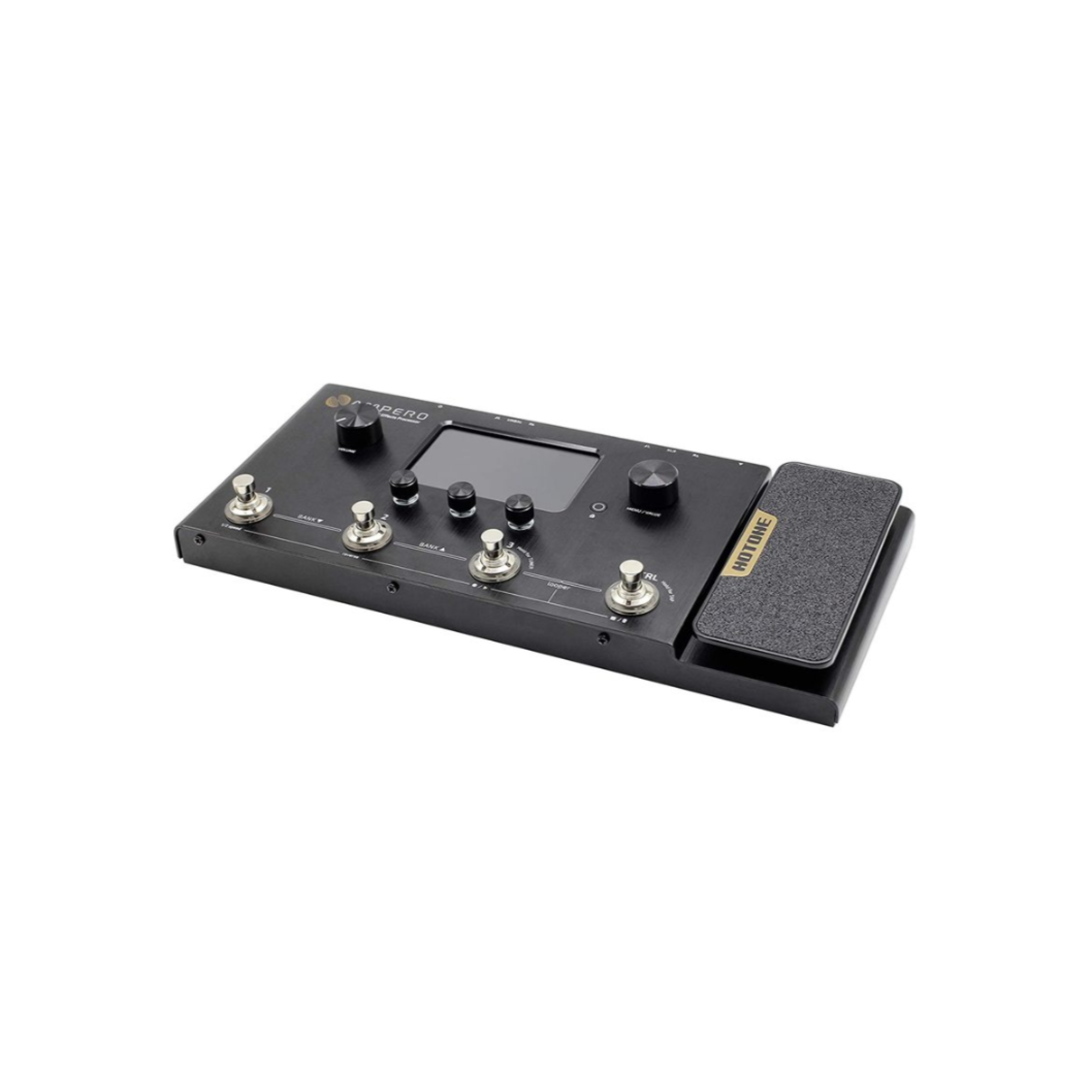
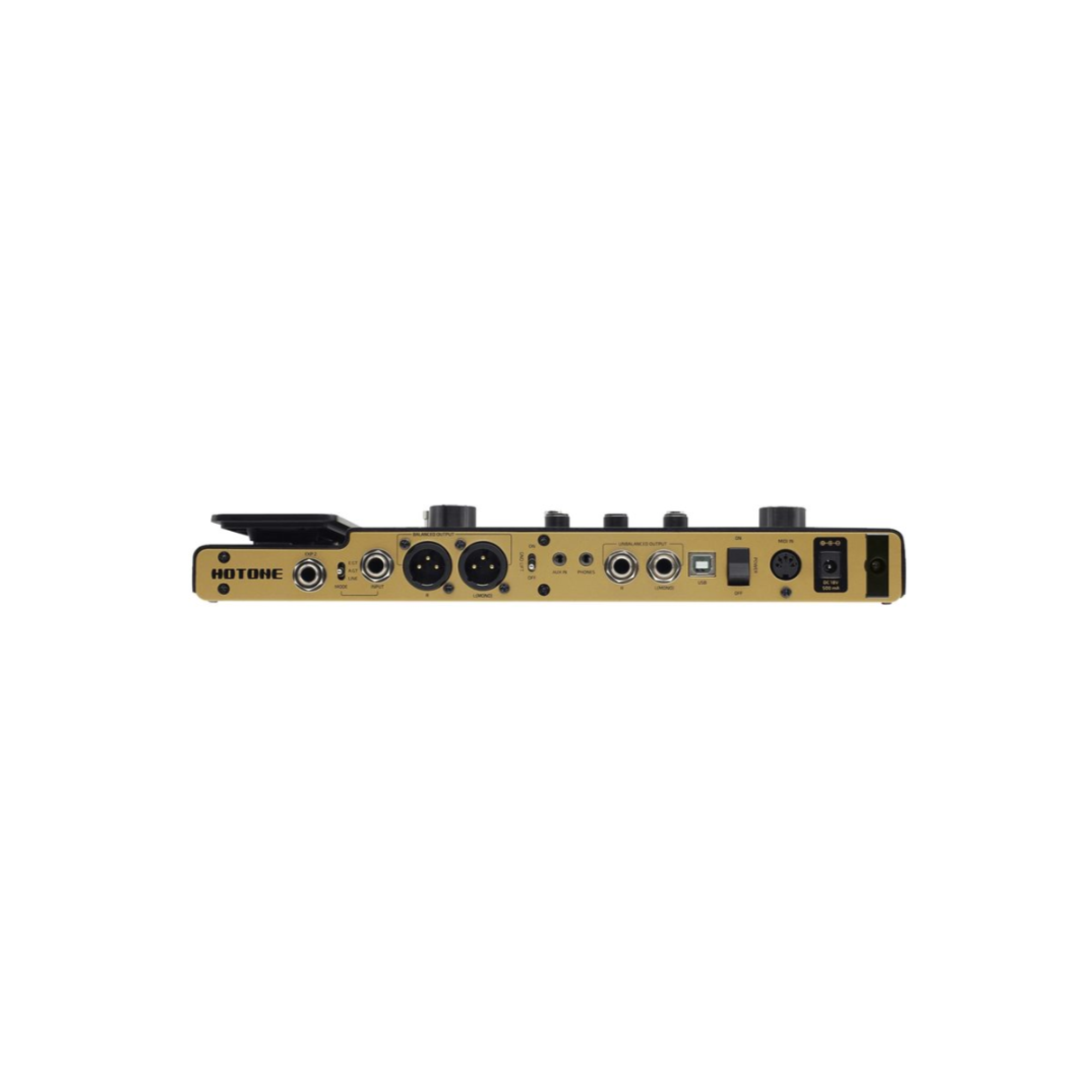
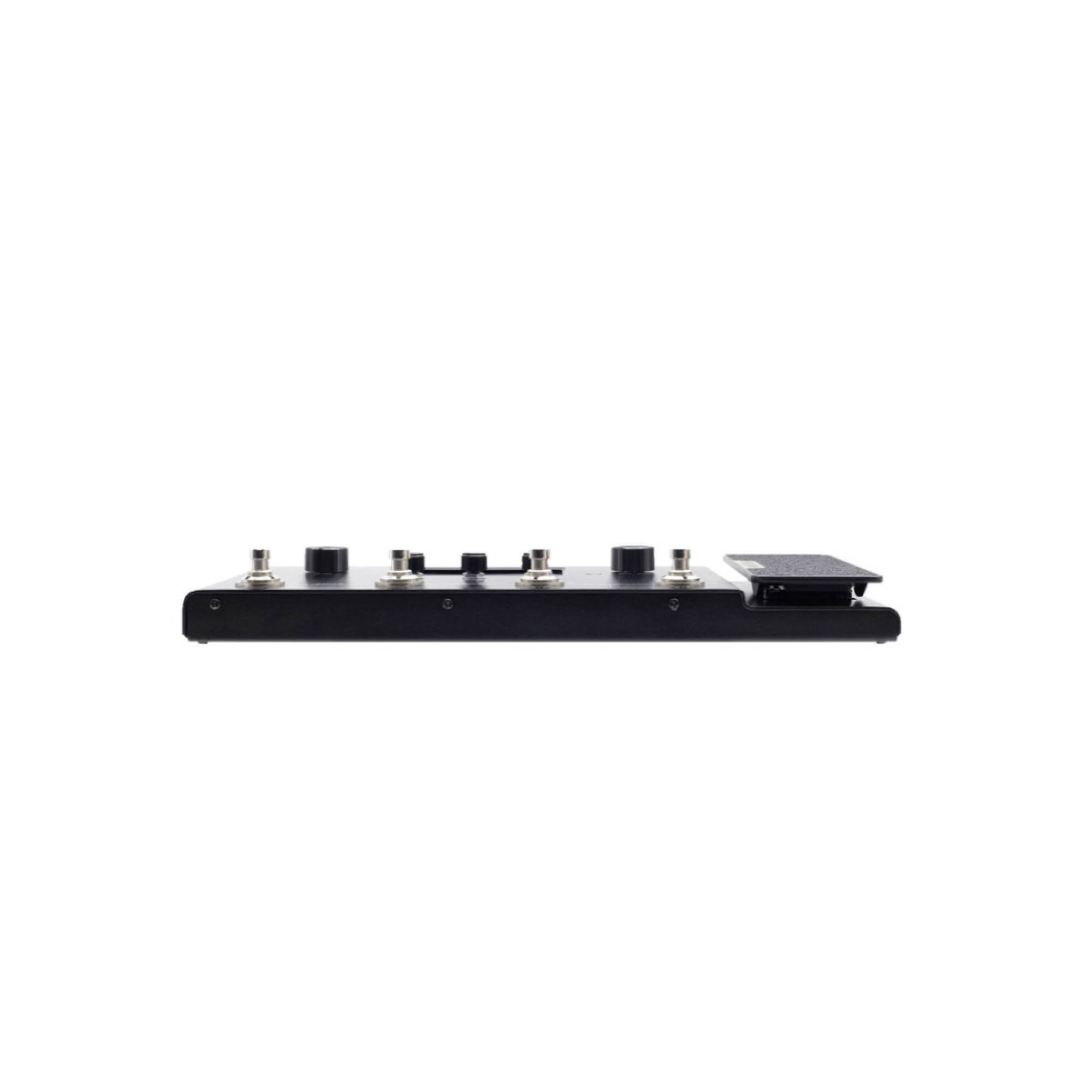
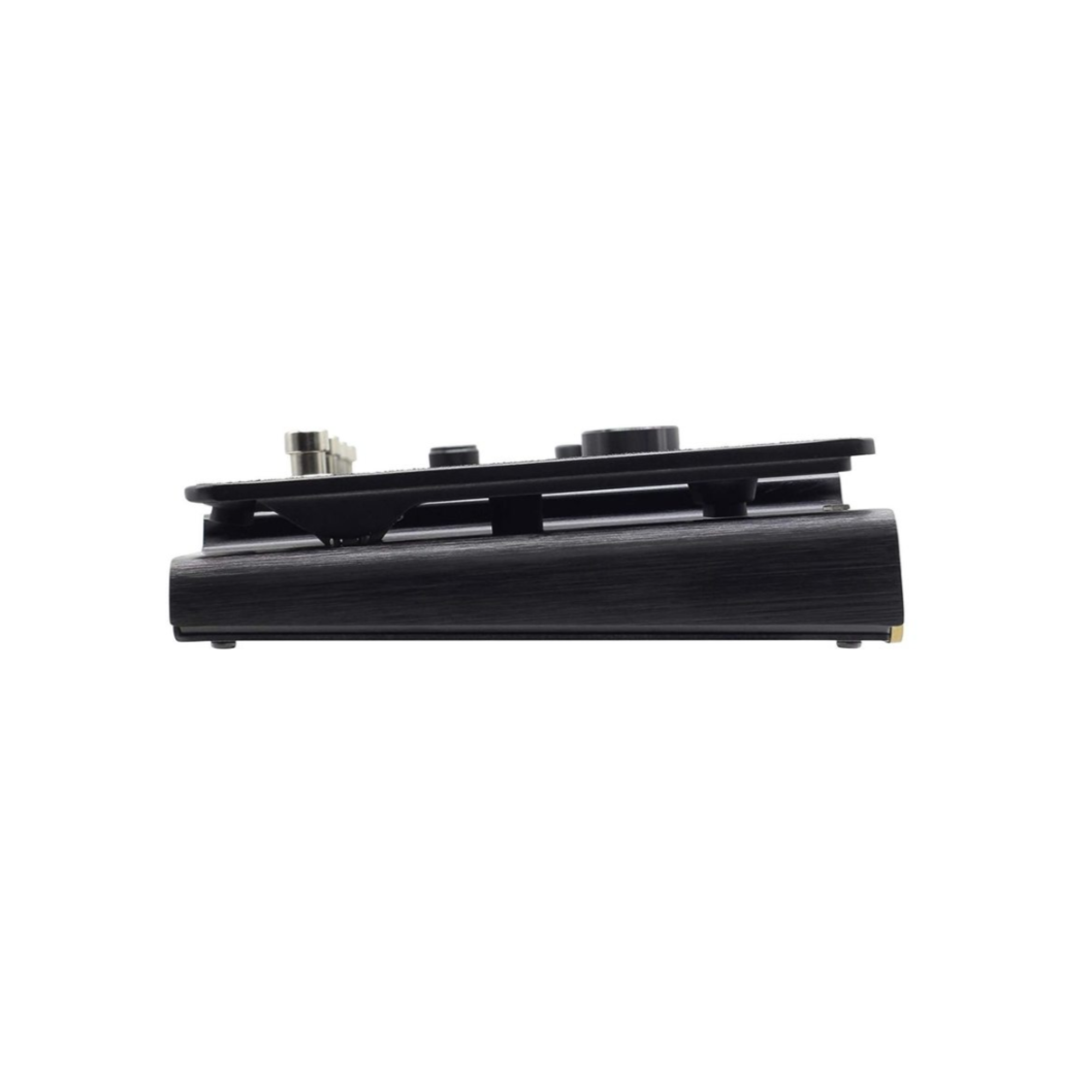
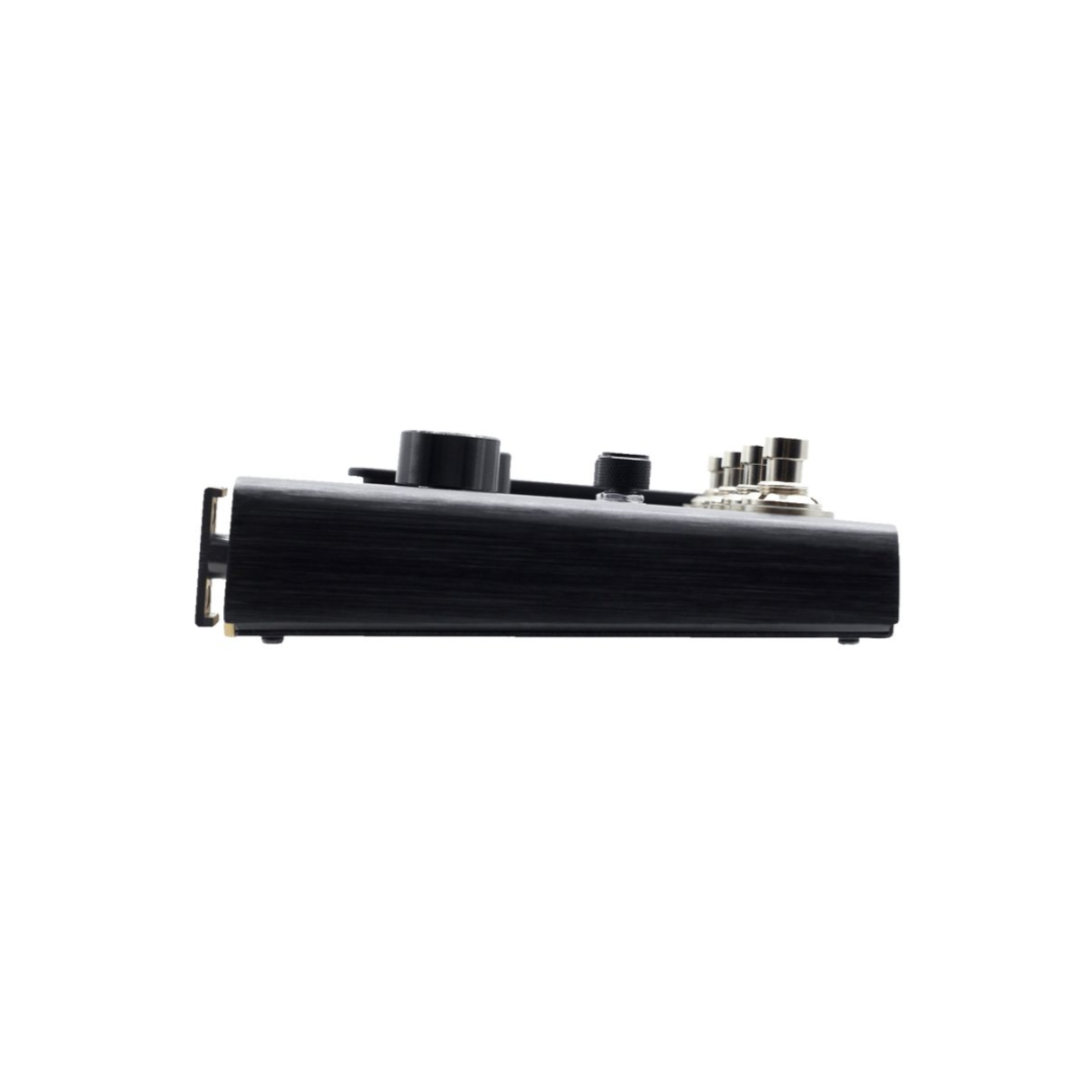
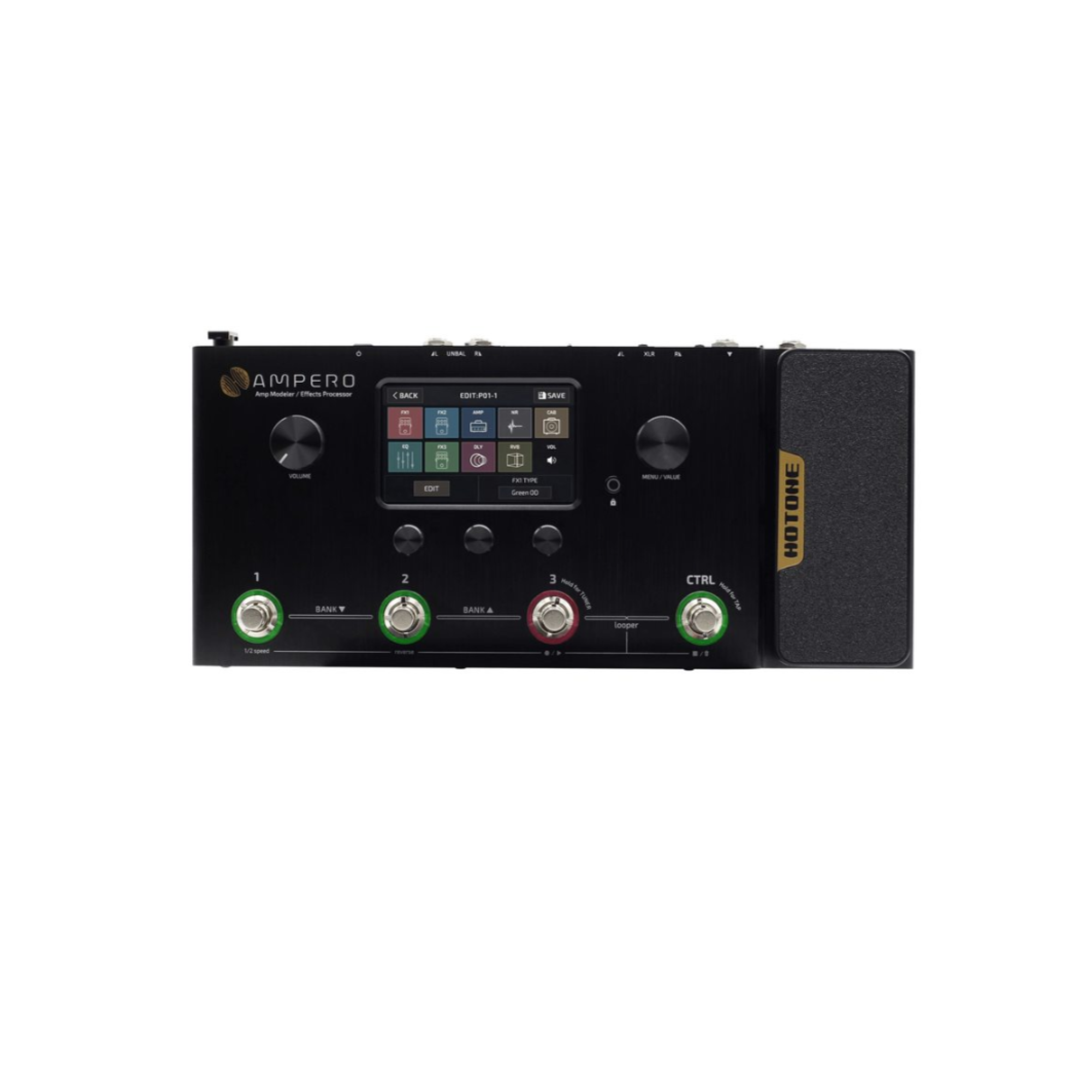
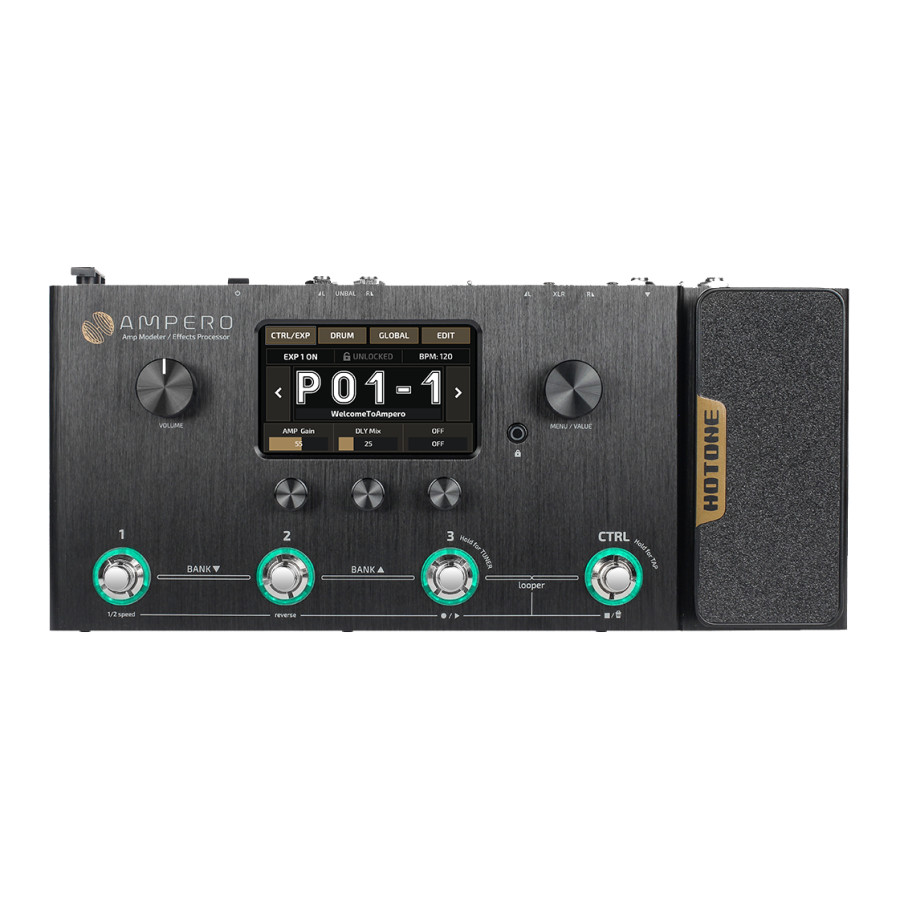

Driving Ampero is Hotone’s innovative CDCM HD (Comprehensive Dynamic Circuit Modeling High Definition) and F.I.R.E. (Field Impulse Response Enhancement) system. Built on Hotone’s powerful XTOMP platform, acclaimed Binary series, and breakthrough VStomp Amp virtual plugin, the new-gen CDCM HD & F.I.R.E. system showcases Hotone’s new high-shelf circuit modeling methods.
Mainstream modeling methods are generally based on static state circuitry modeling or “black box” theory, which just “come close” to the modeled sound. CDCM HD & F.I.R.E. employs a complex system based on dynamic feature modeling. In this matrix, the technology “rebuilds” the entire circuitry using modeled electronic components, resulting in a tone that is vivid, accurate and expressive. More than that, the new system enhances the relationship between amps and PA systems, delivering a realistic feel and response you’ve never before experienced on digital gear.
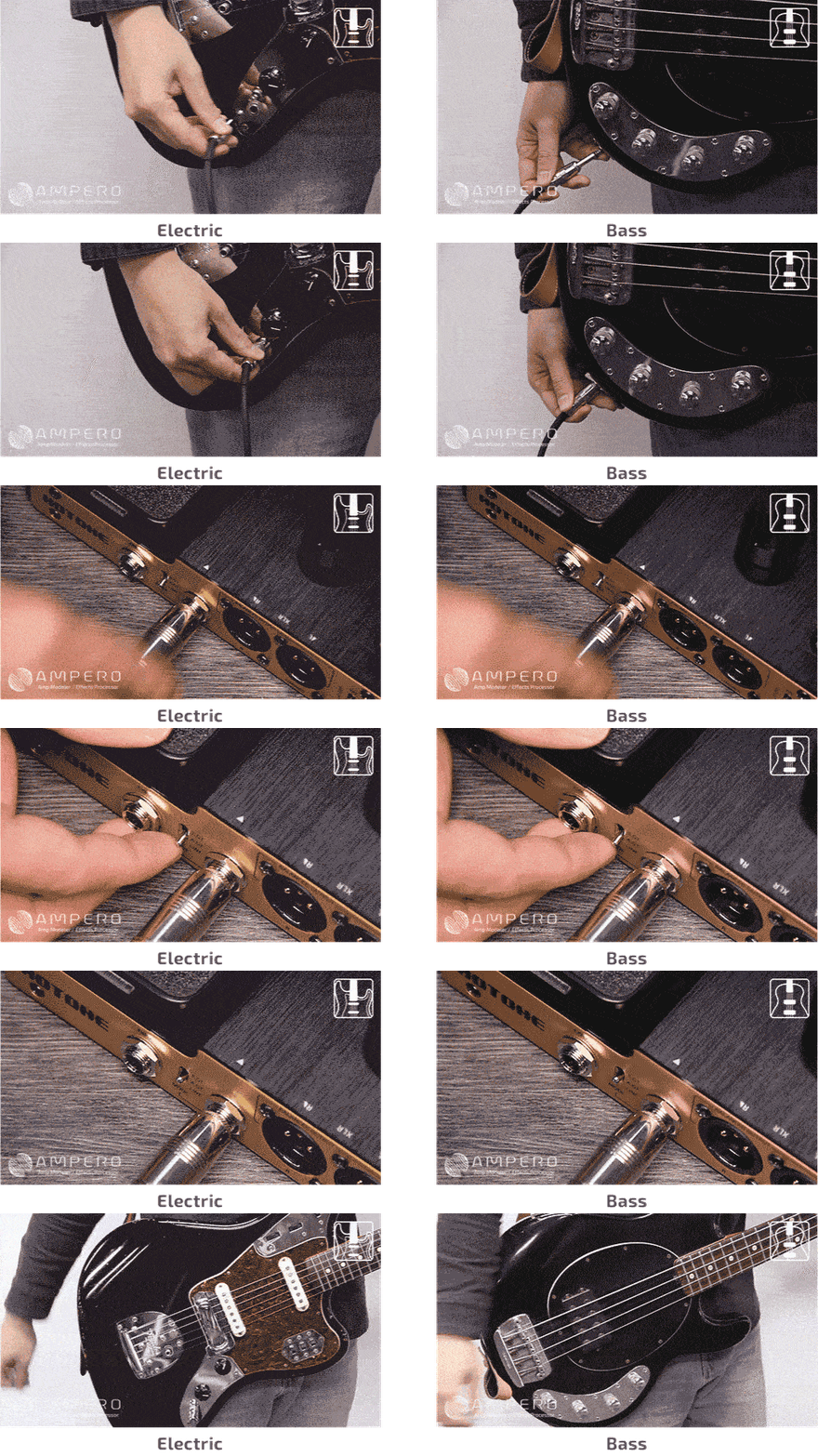
Not onle for electric instrument
Ampero employs a special design input mode selector that is designed not only for electric instruments, but also for acoustic players and even keyboard players! Simply connect your instrument to the input jack, select a mode for your instrument, pick a dedicated electric/acoustic/FX preset and you’re ready to roll.
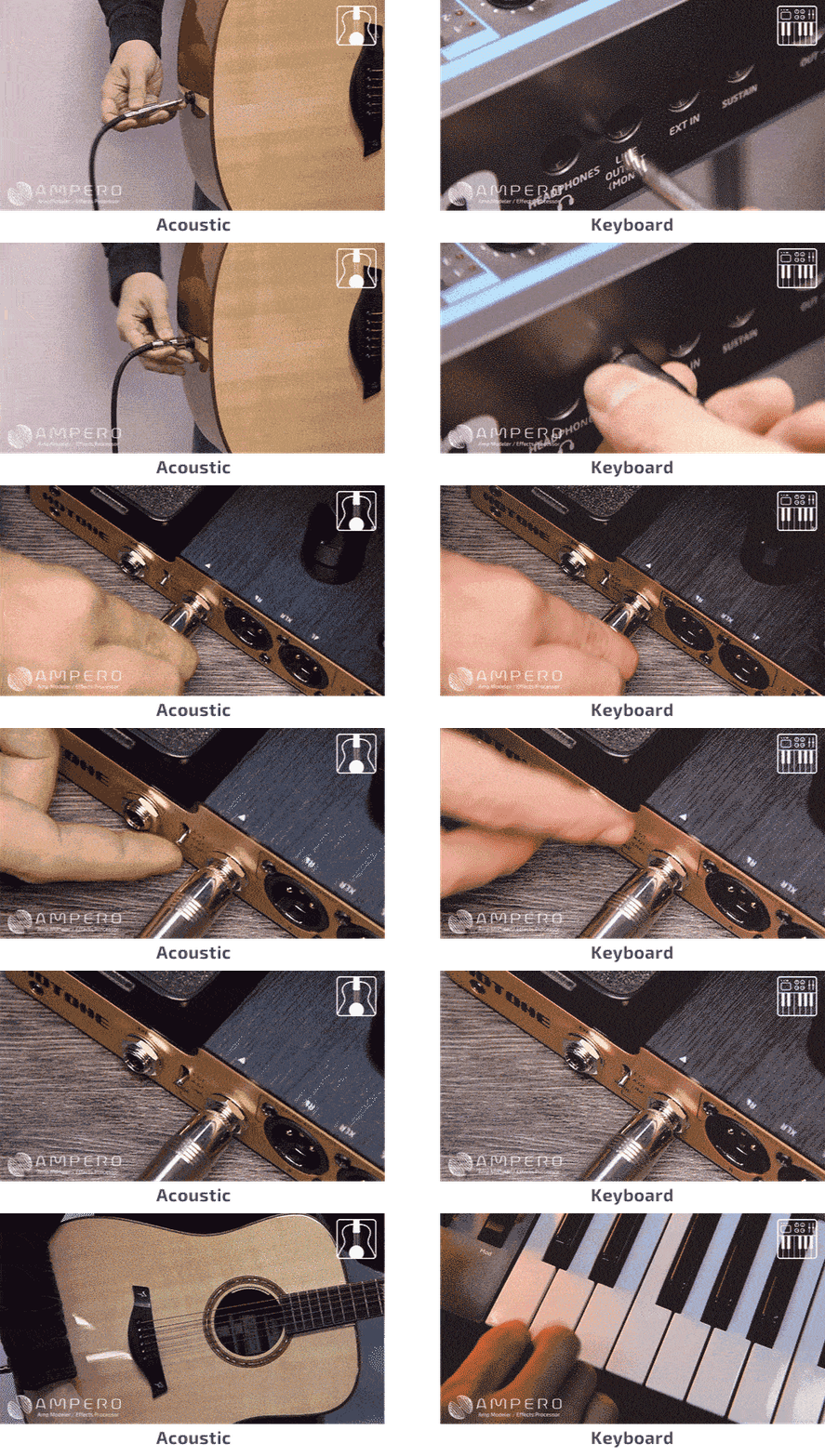
Authentic acoustic sound
No need to carry an extra acoustic anymore! Ampero comes with advanced “black tech” acoustic simulation algorithms. Used along with built-in acoustic IRs and acoustic simulation presets, you can easily transform your electric instruments into miked up acoustic masterpieces: steel string, nylon string, resonator, even ukulele!
Armory
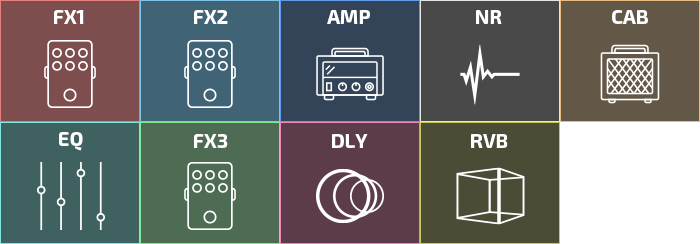
Ampero can handle up to 9 effect modules simultaneously with its flexible FX1, FX2 and FX3/MOD effect modules for the best authentic stereo effect processing experience. Ampero shares the same growing modeling/original effects library as our all-powerful XTOMP pedal with even more goods:
● 242 effects
● CDCM HD & F.I.R.E. modeling effects including: 64 amp models/60 cab models/100+ legendary pedal models/Next-gen mic position and microphone type simulations
● User custom IR loader with 3rd party IR support
● 50+ Hotone original effects (incl. high quality drive/dynamic/filter/mod/delay/reverb models and more)
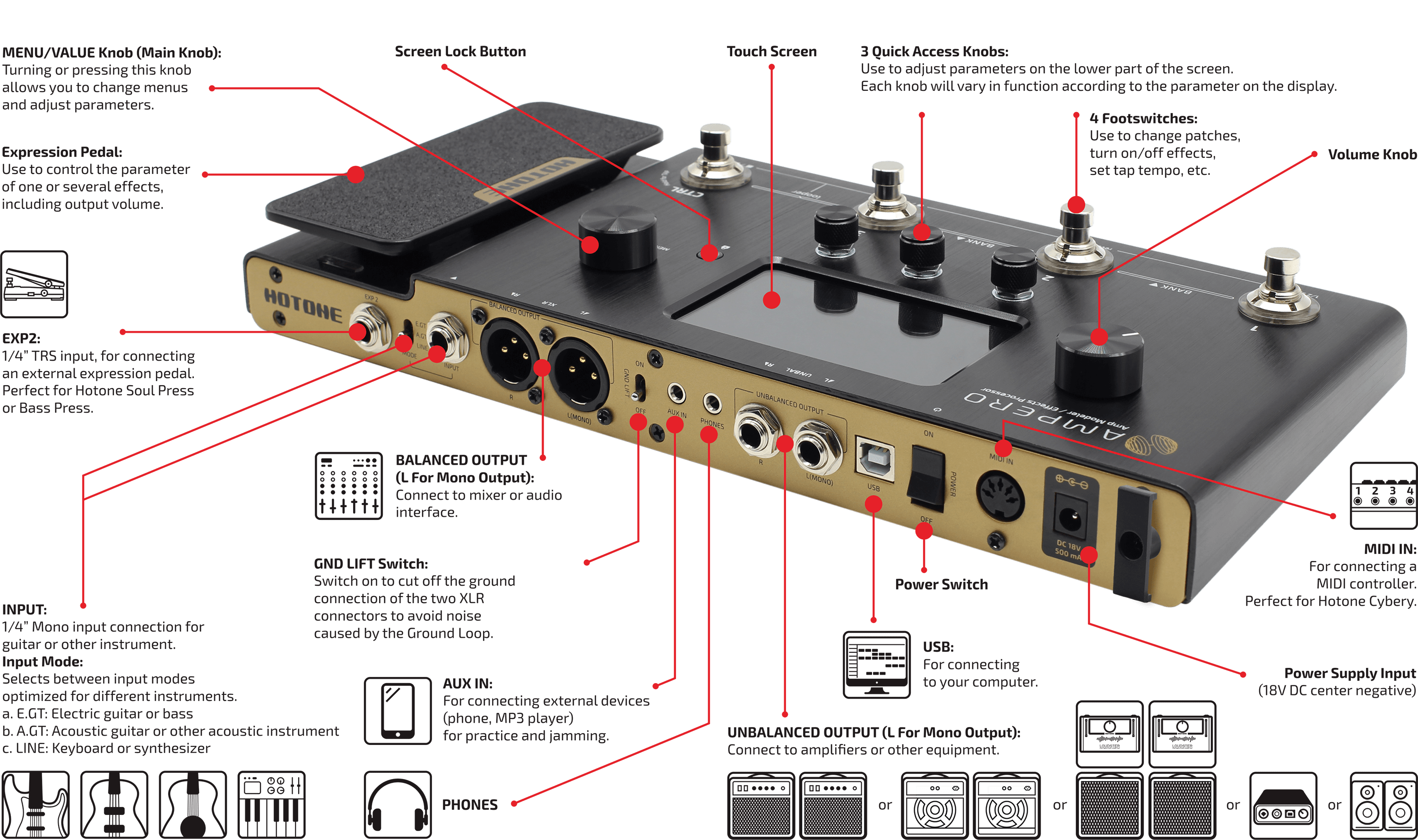
I/O
Suggested Setups
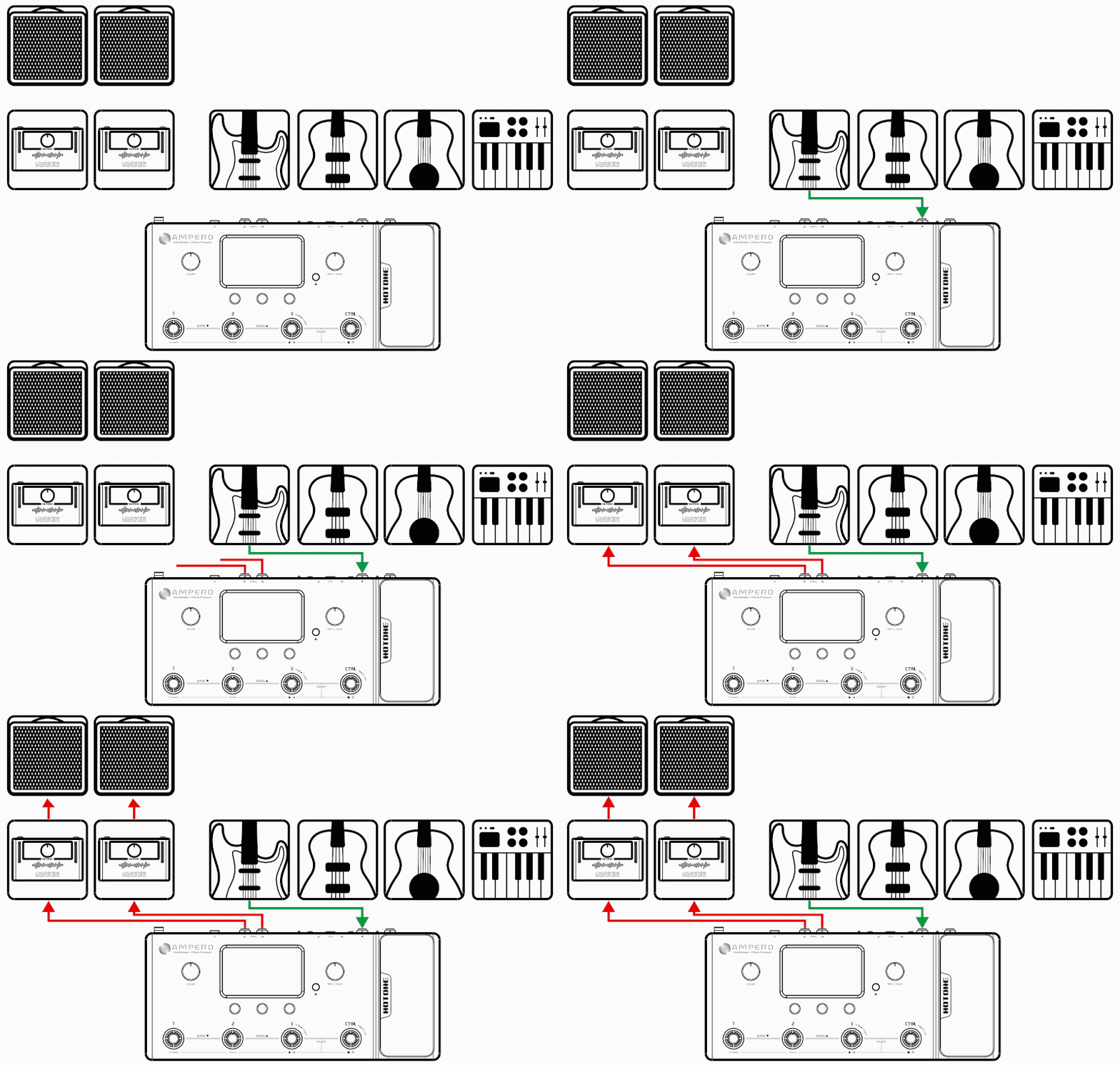
Here are some common setups to get the most out of Ampero.
Using with your instrument and amp
Plug your instrument into the Ampero instrument IN jack, and run a cable (or two) from the unbalanced OUT to your amplifier(s). If you have one amp, run the cable from the left output.
For best results, turn off the AMP and CAB modules on Ampero.
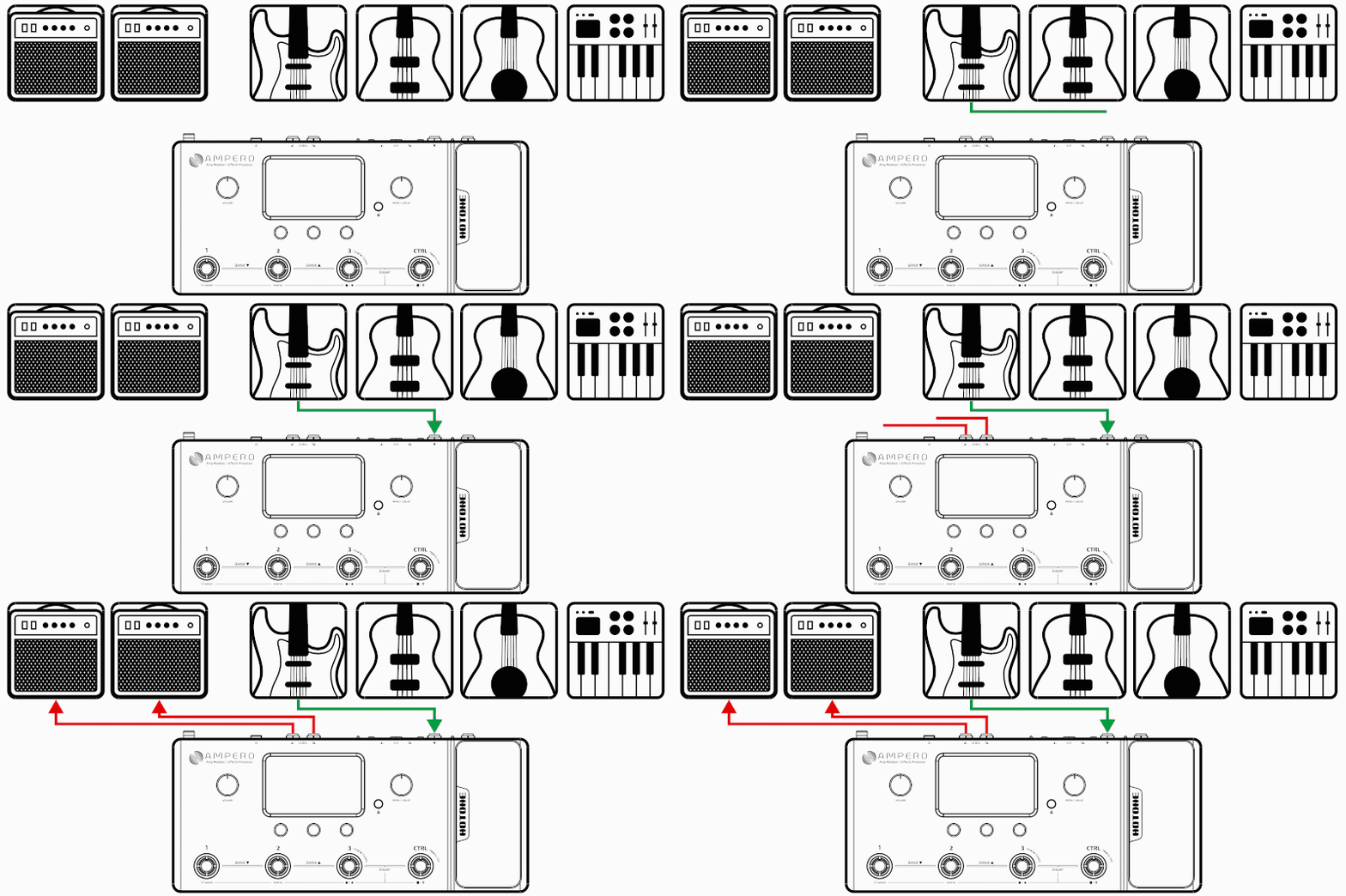
Connecting to your amp's RETURN or Power Amp (Loudster) INPUT
Connect the unbalanced outputs to your amp’s FX Loop Return input or post amp input. If you have one amp, run the cable from the left output.
For best results, turn off the CAB module on Ampero.

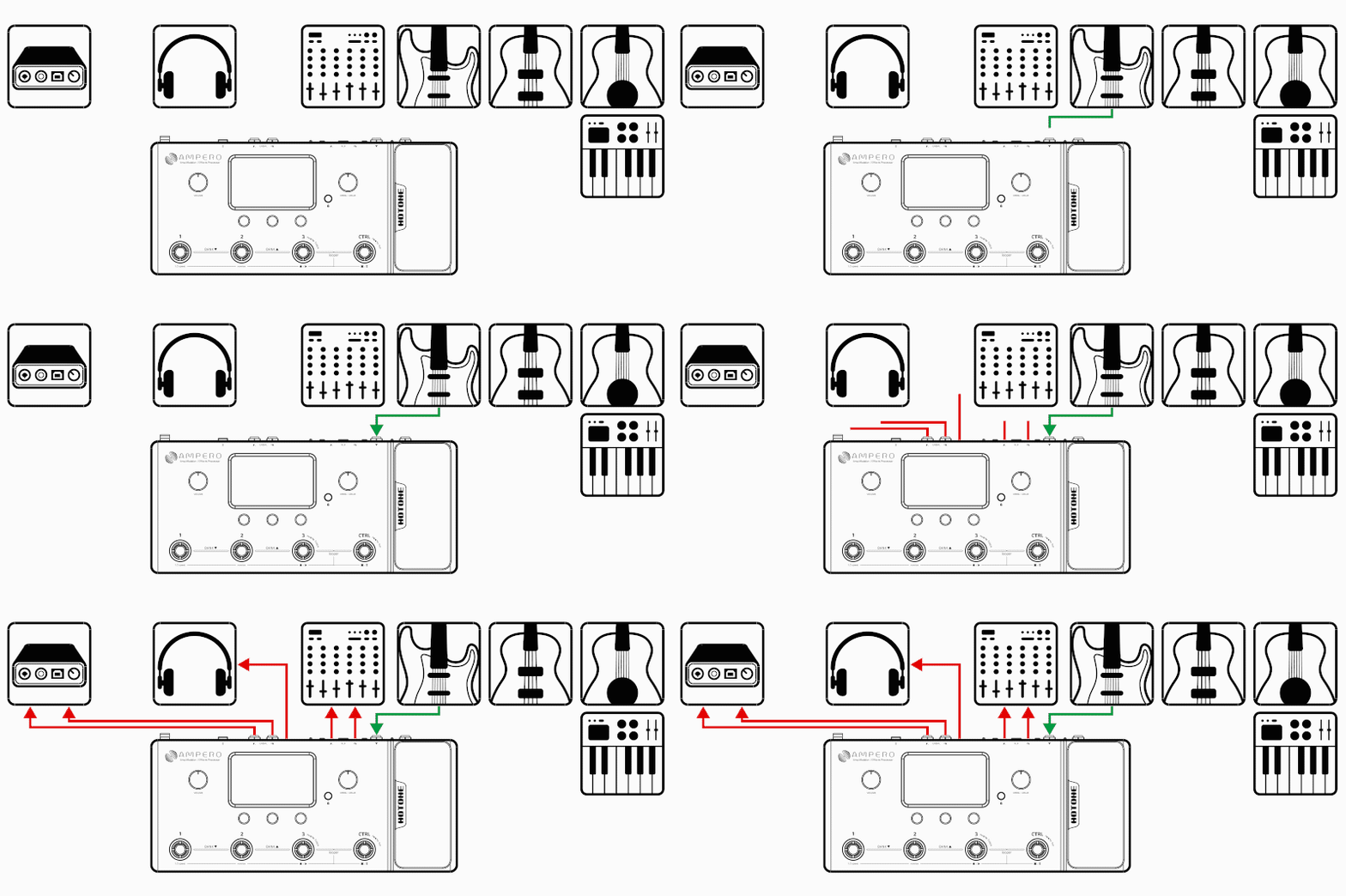
Connecting your mixer, interface, headphones, and other equipment
Connect Ampero’s balanced or unbalanced outputs to your mixer or audio interface’s corresponding inputs. Use the balanced outputs for optimal signal to noise ratio. If you want to send a mono signal out, use Ampero’s left output channel. To prevent damage to your equipment, make sure the mixer or interface channel’s volume is muted before making any connections.
If you experience unwanted noise when using the balanced outputs, it is likely produced by the ground loop. In this case, turn on Ampero’s GND LIFT switch.
Turn the Ampero output volume all the way down before connecting headphones to prevent harm to your ears. Ampero’s headphones out comes with hi-fi stereo sound.
For best results with headphones, turn on Ampero’s AMP and CAB modules.
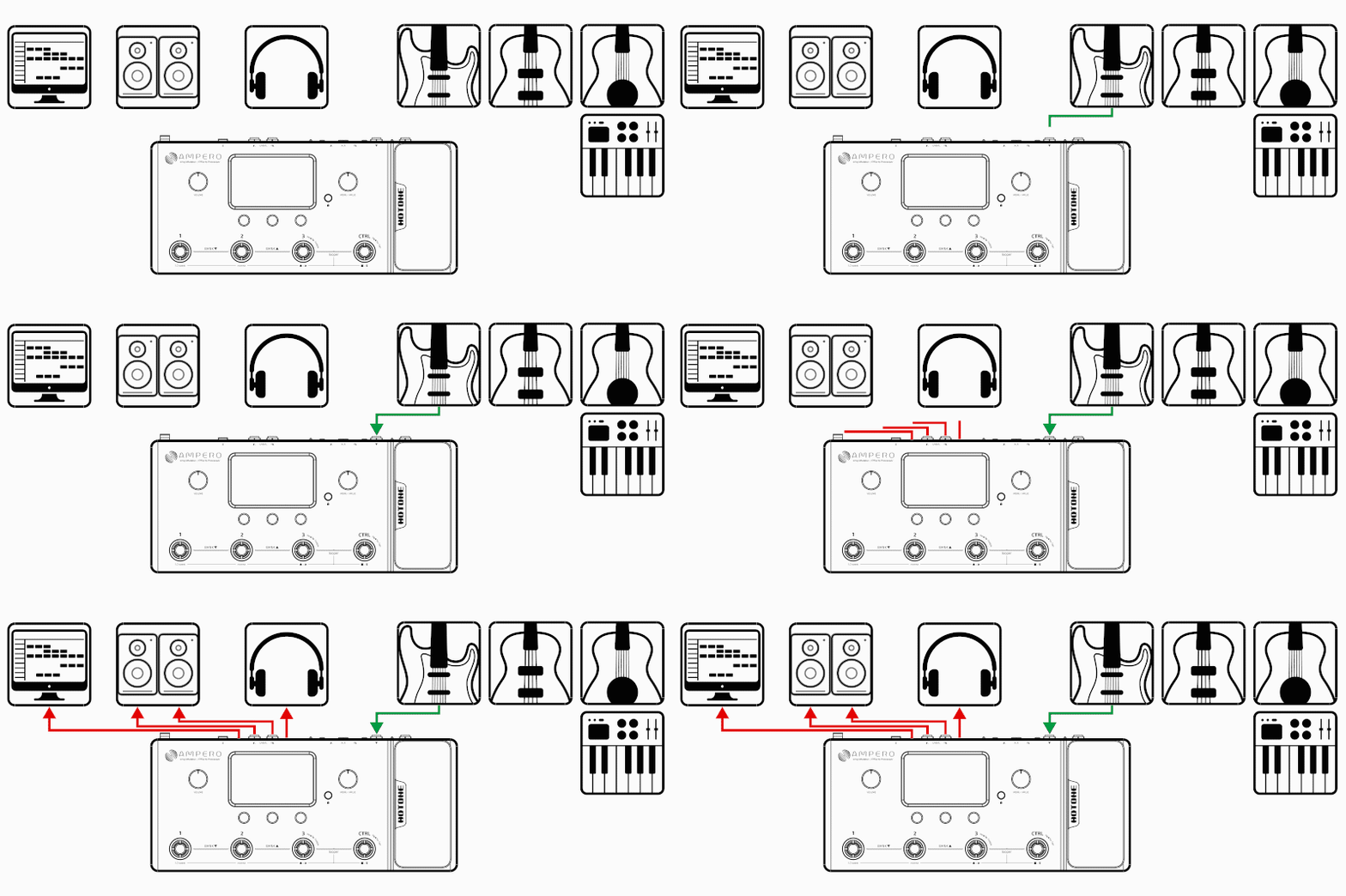
Connecting to your computer as an audio interface
Connect a USB cable (not included) from Ampero to your computer. For PC systems before Windows 10, you’ll need to set up the driver. Ampero is plug and play for Windows 10 or later versions and macOS.
Run line out cables to your monitors, or use headphones.
Using the AUX IN line
Connect a male-to-male 1/8” stereo cable from your audio source (phone or MP3 player) to Ampero’s AUX IN jack. This line will be unaffected by Ampero’s internal effects.
Note: if you are running a mono line out, you will only hear a mono version of your AUX source.

Interface
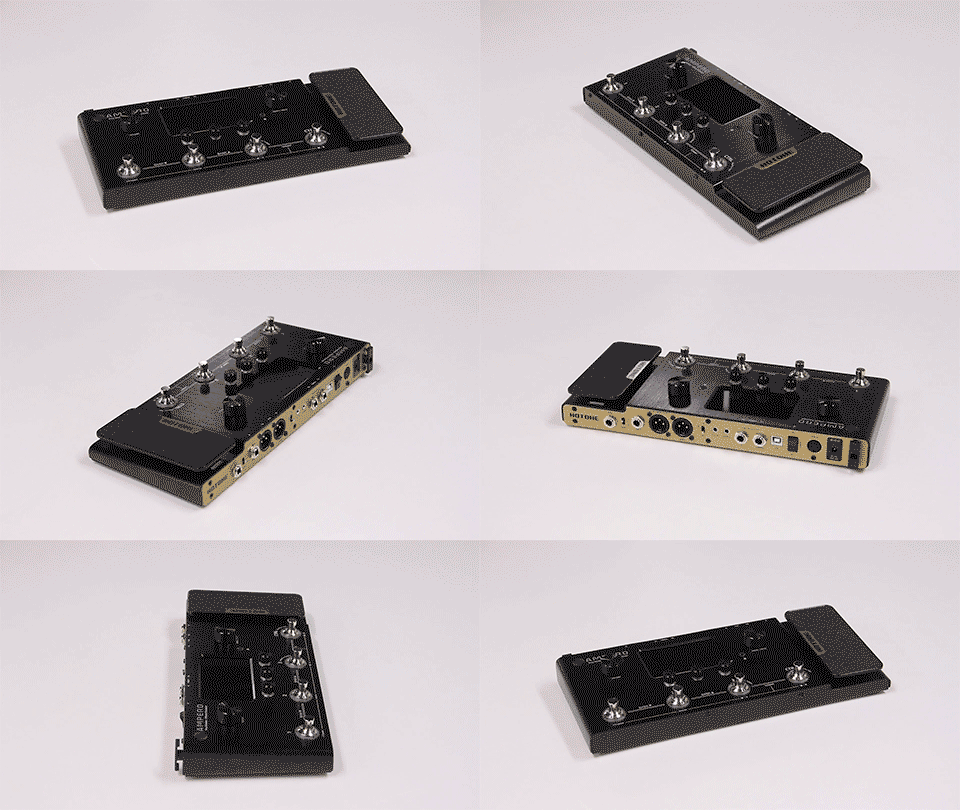
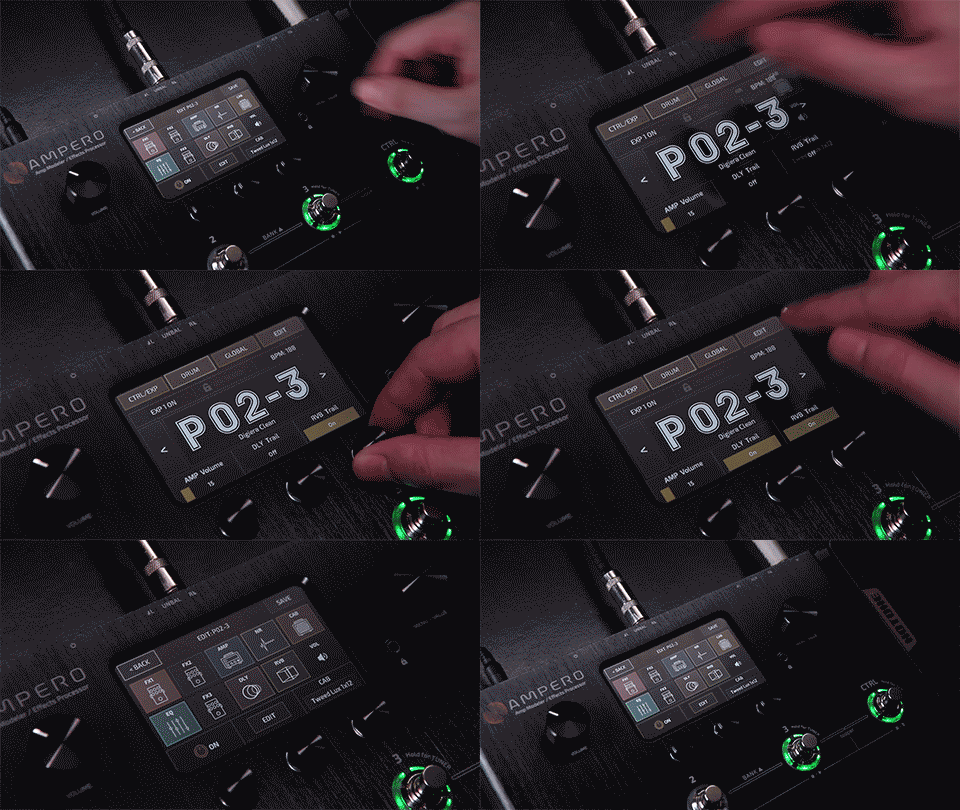
Ampero is designed to be simple and intuitive so you can just start playing.
The straight-forward user interface features a 4-inch 800 x 480 touch screen with dynamic color display and three quick access knobs for hands-on parameter tweaking.
Ampero is incredibly easy to set up and program.
Features
- Compact, easy-to-use amp modeler & effects processor
- New-gen CDCM & F.I.R.E. modeling system ensures high end tonal expressiveness and realistic playing experience
- Powerful, upgraded dual DSP-powered platform ensures excellent sound quality
- 24-bit signal processing, up to 120dB S/N ratio
- 4-inch 800 x 480 sharp color touch screen with instant control
- 18V DC high voltage power supply for huge dynamic range
- USB port for firmware upgrading, loading/editing/managing effects/IRs via free Mac/PC software or for use as an USB audio interface
- 242 effects based on stunning XTOMP effects library
- CDCM HD & F.I.R.E. modeling effects including:
- 64 amp models
- 60 cab models
- 100+ legendary pedal models
- Next-gen mic position and microphone type simulations
- User custom IR loader with 3rd party IR support
- 50+ Hotone original effects (incl. high quality drive/dynamic/filter/mod/delay/reverb models and more)
- 198 presets
- Built-in drum machine with 100 patterns
- Built-in looper with max. 120 seconds recording time
- 4 assignable footswitches with halo LEDs
- Built-in expression pedal
- Authentic stereo output processing
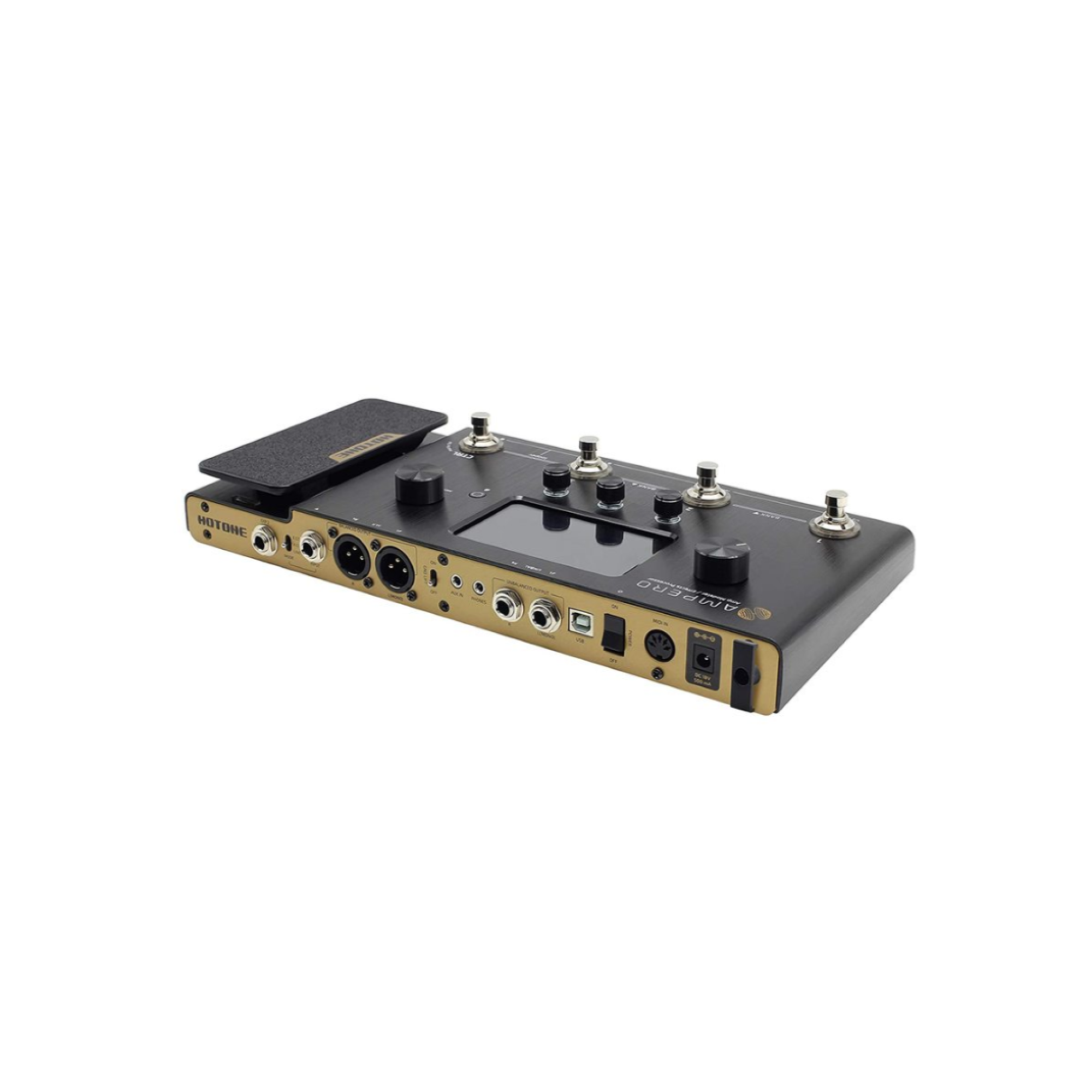
- Line, XLR and headphone I/O for various connection needs
- MIDI IN and EXP2 jack for connecting external controllers
- Road-ready, light-weight aluminum casing
- Digital Audio Signal Processing: 24-bit depth, 44.1kHz sample rate
- SNR: 120dB
- Effects: 242
- Effects Modules: Total of 9 simultaneous
- Patches: 198 (99 user patches, 99 factory patches)
- Looper Time: Mono 100 seconds, Stereo 50 seconds
- Internal Drum Machine: 100 Rhythm Patterns
- Inputs:
- One 1/4” Tip Sleeve (TS) Instrument jack, with three way input mode selection
- One 1/8” Stereo Auxiliary In (Aux In) jack
- One 1/4” Tip Ring Sleeve (TRS) Expression Pedal input jack
- One Standard 5 pin MIDI input jack
- Outputs:
- Two 1/4” Tip Sleeve (TS) Unbalanced Stereo output jacks
- Two XLR Balanced stereo output jacks, with ground lift switch
- One 1/8” Stereo headphones output jack
- Input: Impedance
- Instrument Input: E.GT: 1MΩ; A.GT: 4.7MΩ; LINE: 10kΩ
- Aux In: 10kΩ
- Output: Impedance
- Unbalanced Output: 3.2kΩ
- Balanced Output: 2kΩ
- Headphones: 66Ω
- Screen: 4” 800 x 480 Color Dynamic Display Touch Screen
- USB Port: USB 2.0 Type-B port, supports USB Audio 2.0
- Impulse Response/IR processing: Supports 24-bit/44.1kHz Mono WAV files, 1024 points
- Power Requirements: 18V DC Center Negative
- Current Consumption: 500mA Max


There are no reviews for this product, be the first to leave your review.


No questions about this product, be the first and ask your question.


We deliver orders throughout the country (except for temporarily occupied territories). The goods will be delivered to you according to the terms of the carrier company. Delivery of orders can be made in a period of 1 to 7 days. We still try to deliver your orders as quickly as possible. You can also pick up your order yourself in partner stores in Kyiv, Lviv and other cities of Ukraine. If the cost of your purchase is more than 2500 UAH, delivery in Ukraine is free. If the product you ordered costs less than 2500 UAH, you must pay for delivery (cost according to Nova Poshta tariffs).
* an exception is possible only when purchasing a promotional product
** subject to 100% prepayment
Payment methods:
- Payment at the terminal or in cash at the store
- Cashless payment
- Payment in installments from PrivatBank