All about product
 Specification
 Reviews
 Questions
 Information
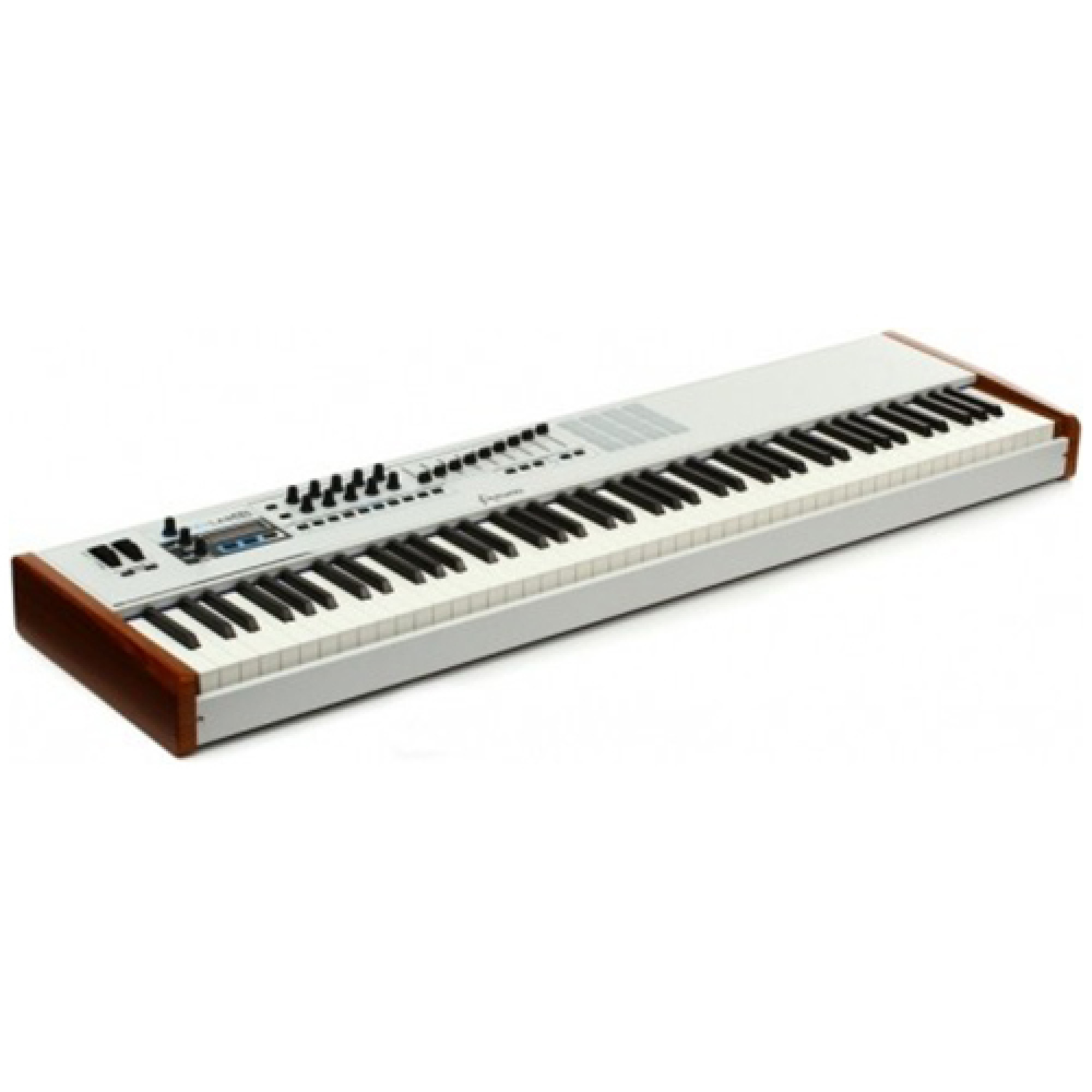
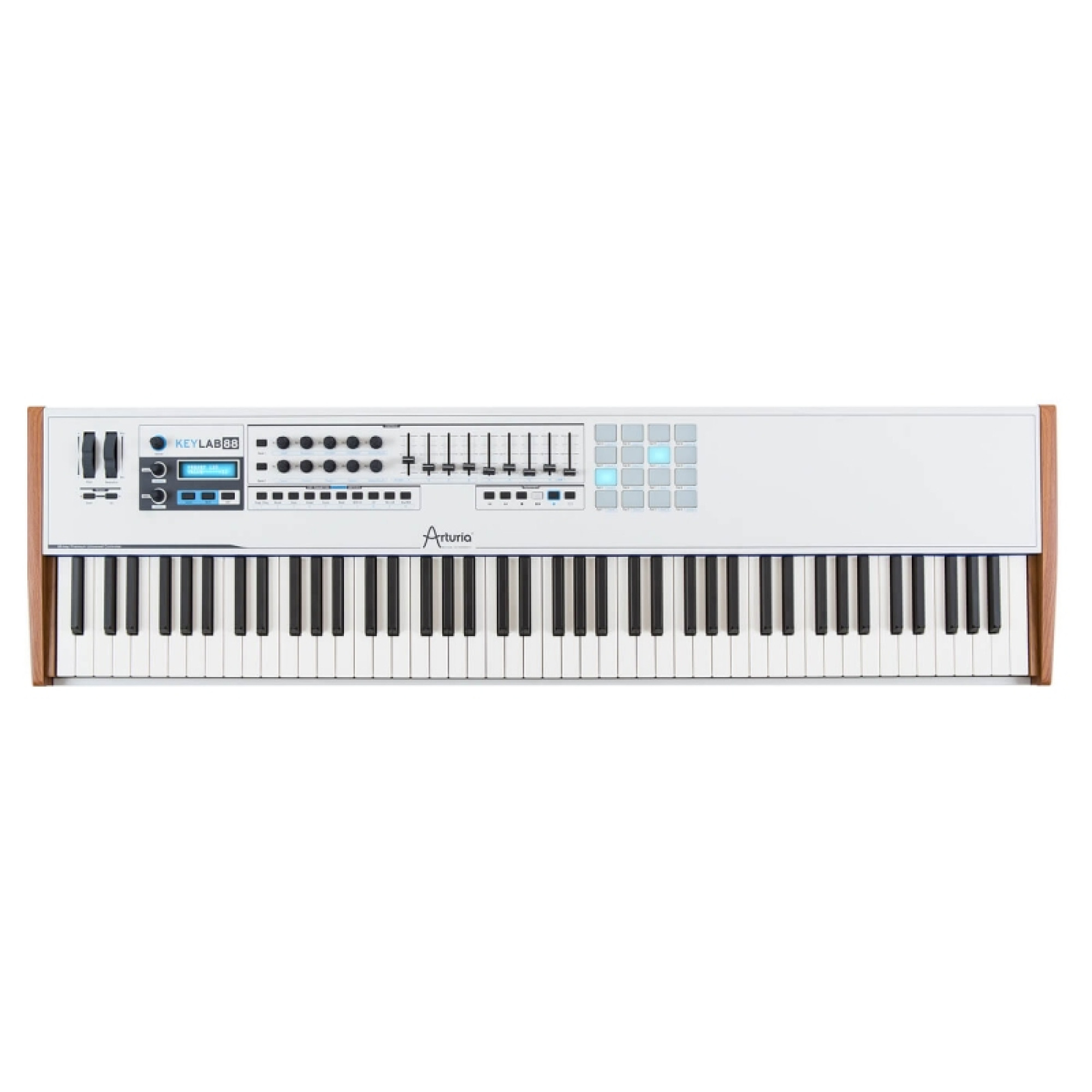
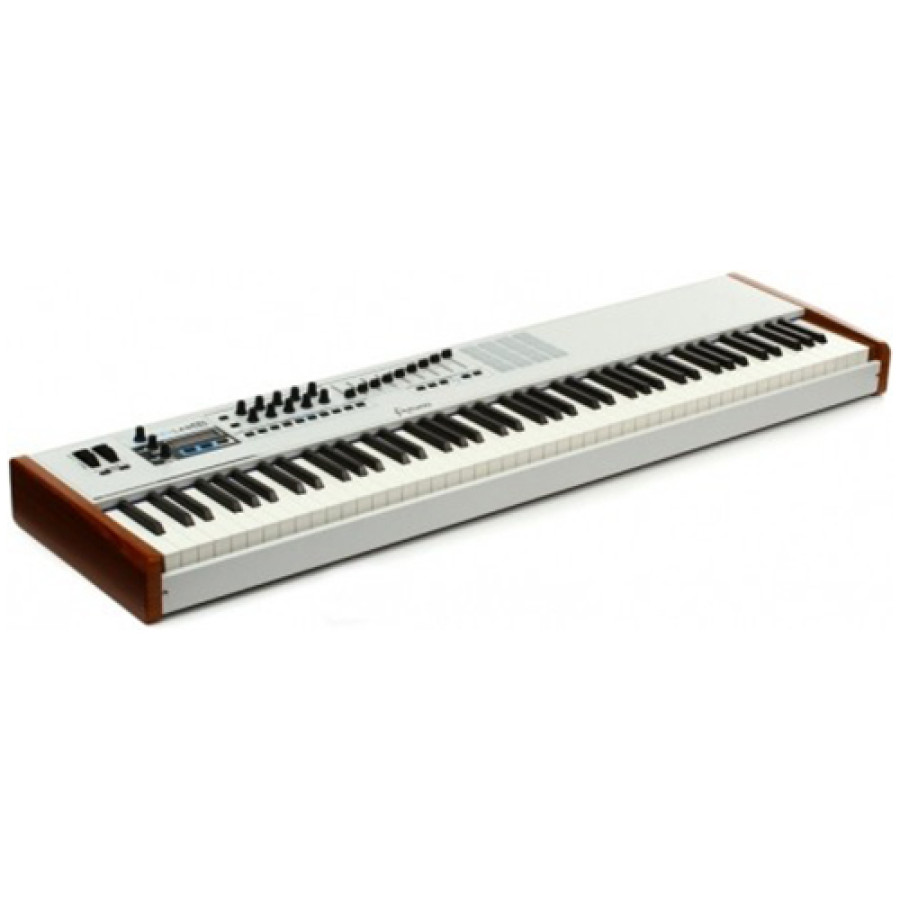

Arturia KeyLab 88 (White)

The KeyLab 88 is a professional-grade 88-note MIDI keyboard controller designed with the working musician in mind. Featuring a new hammer-action keybed from Fatar and deep integration with our award winning Analog Lab software, the KeyLab 88 is unique with its robust, solid metal construction and classic wooden side panels. Available white and black color.
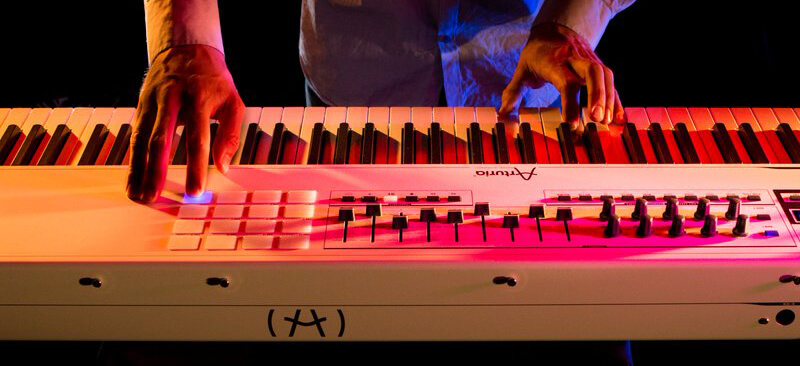
The Best Control Of Synthesis
As a professional hybrid synthesizer, KeyLab 88 offers the immediacy of a hardware synthesizer combined with the flexibility of a software-based solution. The keyboard is entirely preassigned to work with the included Analog Lab software, giving you immediate and in-depth control over your sound. Change the filter cutoff, the resonance, adjust the 2 ADSR envelopes, and much more: as soon as the idea hits, it can happen. But KeyLab 88 also acts as a Universal MIDI controller, compatible with any third-party software and hardware. MIDI Assignments can be customized for virtually any form of music technology using the LED screen or the included MIDI Control Center software.
A solution for the pianist of today
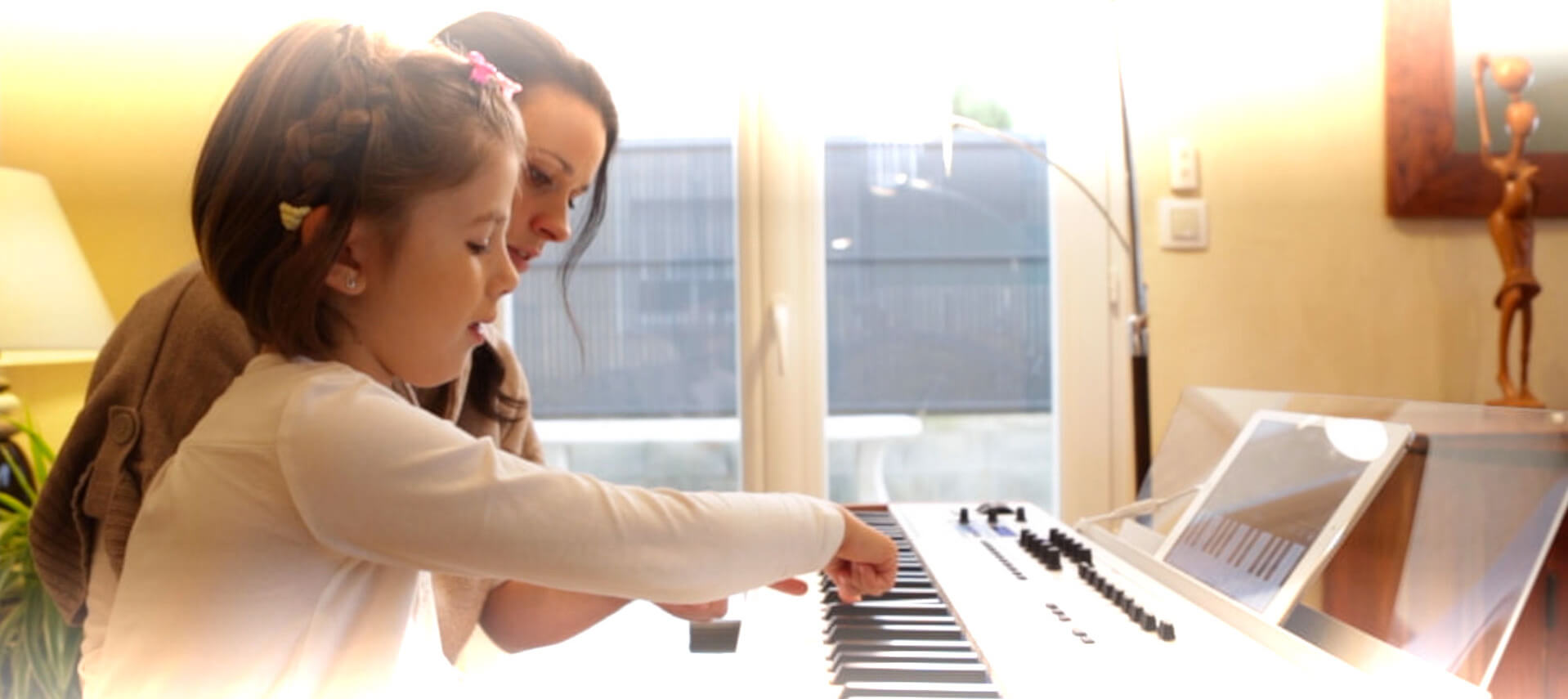
Thanks to the top quality, hammer-action Fatar keybed, the KeyLab 88 is the ideal companion for demanding performers. Bundled with the Analog Lab software, KeyLab 88 offers an unparalleled, hands-on experience with the nearly 6000 TAE® synthesizer and electric piano sounds. Just fire up Analog Lab, connect the KeyLab 88, and you will be amazed at how well the experience matches the work-flow of a traditional hardware synthesizer.
Artists Corner
"I've really enjoyed using the Keylab and it's integrated into my studio very easily. The keys have a good feel to them and I love the retro wood styling! The Keylab software is very intuitive and is easy to work with", -
Jake Wherry (The Herbalizer)
"We love using the Arturia virtual synths. They are top notch when it comes to analog synthesizer emulation. And now with the KeyLab you have a direct access to all these sounds in a simple and classy way", -
Tiesto
Details
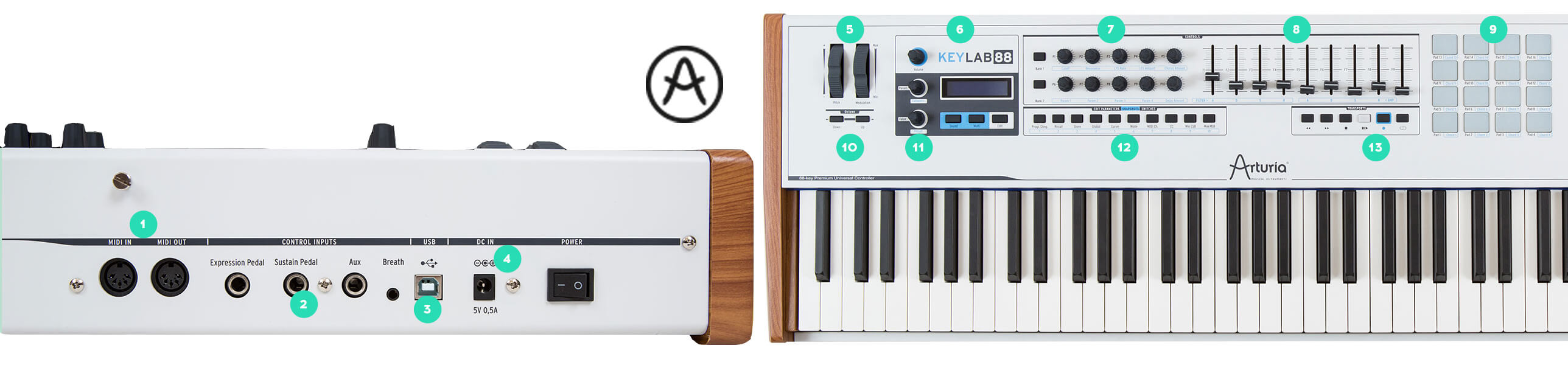
| 1. MIDI In/Out | Connect your favorite MIDI hardware via the MIDI In and Out ports |
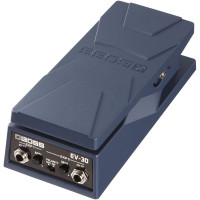
| 2. Control inputs | Input connectors for adding expression pedals, a sustain pedal and a breath controller |
| 3. USB 2.0 | USB MIDI class-compliant operation for direct connect to your computer or iOS device (camera connection kit required) |
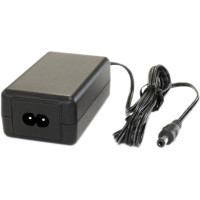
| 4. Optional DC power | Optional DC power input allows use as a standalone controller |
| 5. Pitch and Mod Wheels | Ergonomically-designed pitch bend and modulation wheels |
| 6. LCD screen for easy editing | LCD display allows for easy editing and instant feedback of parameters and presets in Analog Lab |
| 7. Two banks of 10 encoders | Two banks of 10 assignable encoders for use with your favorite plug-in or DAW |
| 8. Two banks of 9 faders | Two banks of 9 faders gives you plenty of options for control. Inverse drawbar mode for use with organ plug-ins |
| 9. Backlit velocity- and pressure-sensitive pads | 16 backlit, ultra-responsive velocity- and pressure-sensitive pads |
| 10. Octave Transpose buttons | Octave transpose buttons allow you to shift the keyboard range up or down |
| 11. Direct controls for Analog Lab | Tight integration with our Analog Lab software gives you the feel of a hardware synth but with the power of software |
| 12. Assignable buttons | 10 assignable buttons for instant recall of your favorite Analog Lab sounds and quick control of your favorite DAW |
| 13.Transport Controls | The transport controls can send MIDI Machine Control messages for hands-on access to your DAW. |
Mission Control
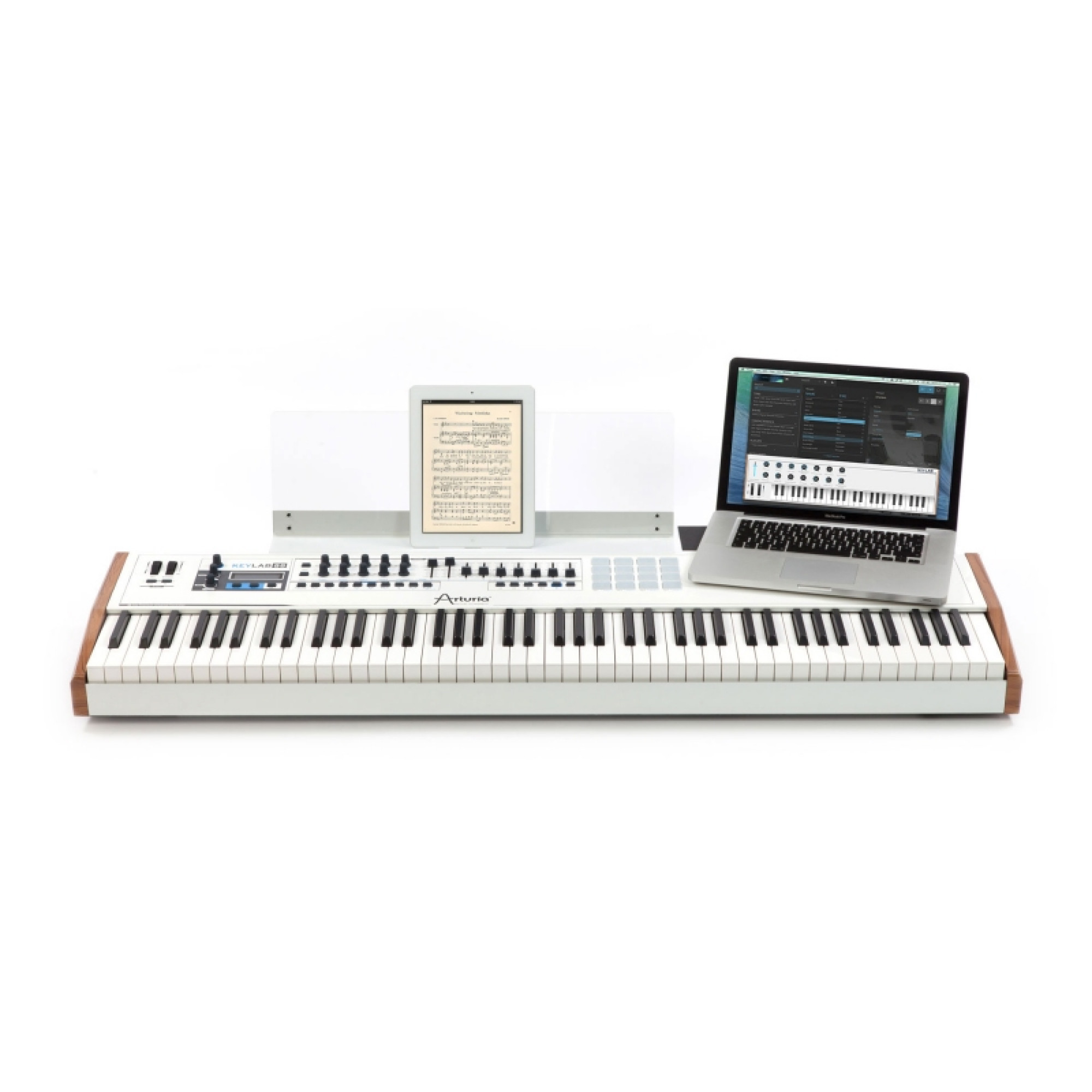
We understand the needs keyboard players have, and with an 88-note keyboard in your workspace you still need to have access to the creative devices you use. So we expanded the real-world usability of the KeyLab 88 with some simple but exceptionally useful features.
First, we included a removable music stand that can not only hold your favorite fake book of 10000 songs, but also double as an iPad stand. Whether you prefer landscape mode, as when using your favorite iOS synths and DAWs, or portrait mode for sheet music apps, the KeyLab 88 can accommodate your needs.
We also provide an extension shelf for the right rear section of the KeyLab 88, which creates a large work surface for placement of your laptop or a small synth (like a MicroBrute) right on top. This gives you unsurpassed access to the devices you need without resorting to other stands or awkward working solutions.
MIDI Control Center
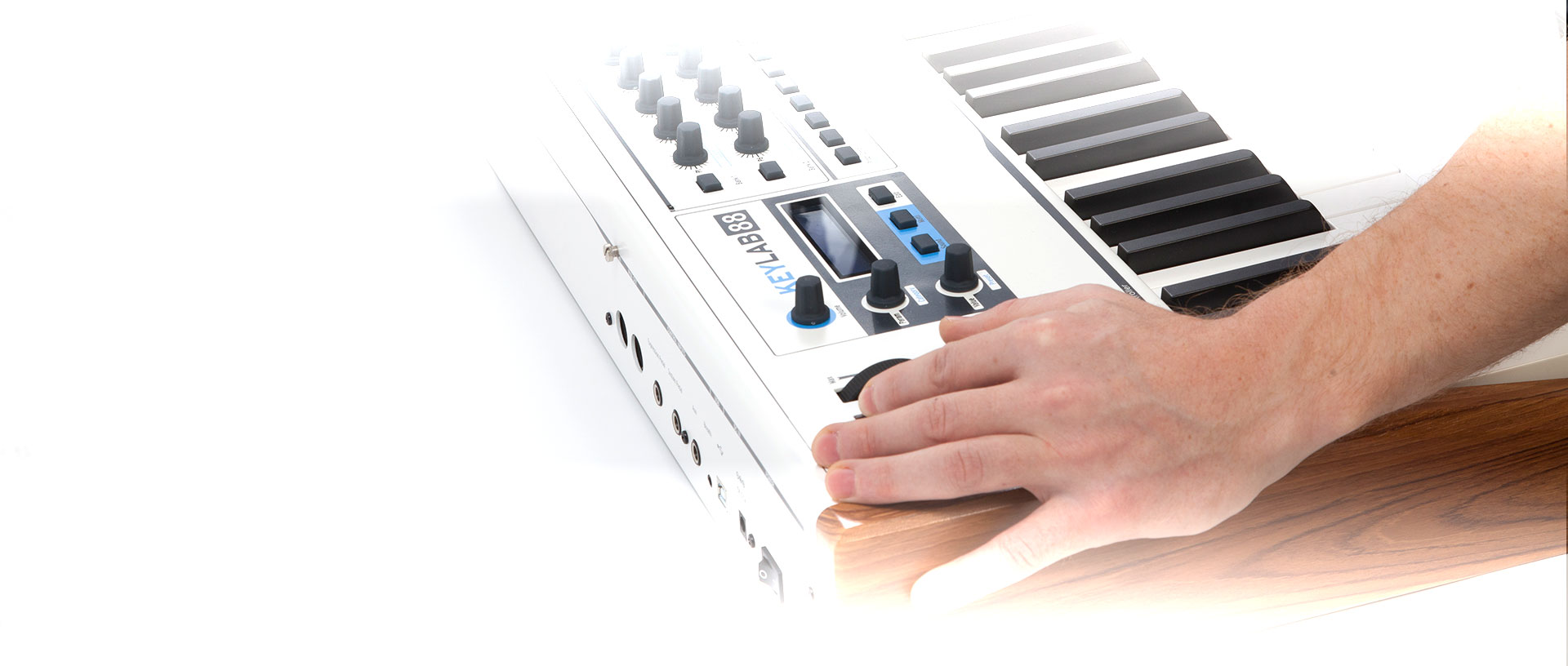
Our MIDI Control Center software allows you to edit the parameters of each KeyLab preset quickly and easily. With an intuitive user interface and the Arturia hardware shown on the screen, you can tailor the controls of your KeyLab 88 to match the settings of your favorite plug-ins and DAWs.
Analog Lab Software
Analog Lab is an extremely powerful software solution that puts over 5000 vintage synthesizer sounds from Arturia’s premier analog modeling technology at your fingertips. Analog Lab allows fast, simple editing and customizing of its own presets. But if you own V Collection, V Collection Classics, or any of the original synthesizer software products, it gets even better! You can open those sounds in Analog Lab, edit them in the original software, save them and then add them to your library.
Our new Multi mode allows you to create amazing layers and splits and then shape, warp and twist them with 17 high-quality effects. Analog Lab will take your sound and workflow to a new level.
About ANALOG LAB
Software integration
Analog Lab is a virtual instrument, which means that its sounds are processed within the computer. It can be used as a stand-alone application or as a plug-in within Digital Audio Workstations such as Steinberg Cubase, Digidesign Pro Tools, Ableton Live, Apple Logic Pro X, MOTU Digital Performer, and Cakewalk Sonar, to name a few.
Hardware integration
The user-customizable MIDI mapping allows you to control the parameters you want to control with your favorite keyboard. But this is even better: use an Arturia keyboard controller and the interface will automatically change to show its knob and slider layouts so that you get a slick 1:1 user interface.
Platform specifications
- Windows: Win 7+ PC: 4 GB RAM; 2 GHz CPU. 2 GB free hard disk space
- Apple: 10.8+: 4 GB RAM; 2 GHz CPU. 2 GB free hard disk space
Arturia Software Center
The Arturia Software Center (Or ASC) is an application that takes care of your Arturia instruments. It is the entry point to activate your instruments on a computer. It makes your experience easy and simple. The Arturia software center lets you download updates, try demos or reach the product page to learn more about a specific instrument or buy it. The Arturia Software Center is automatically installed on your computer when you first install an Arturia product protected by the ASC.
Activate my instruments
The Arturia Software Center connects to your MyArturia account. From there, you can register a new product, view a summary of the products you own as well as their serial number/unlock code. Once a product is registered on your account, you can activate it on up to 5 computers! Open the ASC and click the Activate button next to your product.
If you have any issue to register/activate your product, please visit our FAQ.
Update
The Arturia Software Center will inform you when a new version of a product installed on your machine is available. Simply click on Update next to that product to launch the update process. Once the update is downloaded, you can simply install it by clicking the Install button.
Try other instruments
The Arturia Software Center shows you all the products developed by Arturia and lets you download a demo version. If you enjoy playing with one of the demos, the Buy button will let you reach the product webpage from where you can purchase it. You can also download free software such as the MIDI Control Center, to use with our range of MIDI controllers.
Offline activation
For those of you who do not want to connect their music production computer to the internet, an offline activation function is available. Please visit our FAQ to learn how it works.
Main Features
- Includes Analog Lab with 5000 synth sounds
- All presets are carefully selected from the Arturia Classic Synths (mini V, Modular V, CS-80V, ARP 2600 V, Prophet V, Prophet VS, SEM V and Jupiter-8V) and from Wurlitzer V, our recreation of the classic 200A electric piano. These TAE® powered sounds offer unparalleled audio quality
- Fast filter the presets to your requirements: by Instrument, by Type (Bass, Pads, Leads…), by Characteristics (long, bright, dark …)
- In-depth Preset Editing available for the owners of the Arturia Classic Synthesizers (Mini V, CS-80 V, etc.). Edit your sounds on the original instruments within Analog Lab
- More than 200 Multi patches organized by musical genres, each made of two different synth patches with effects, layers and splits...
- Straightforward editing, with a complete array of parameters for tweaking sounds, directly assigned to the controls of the Keylab 88
Hardware Specifications
- Keyboard: 88 note hammer action Fatar keybed with velocity and aftertouch
- Controls: 2 clickable encoders, 6 transport switches, 1 modulation wheel, 1 pitch bend wheel, two banks of 10 encoders, two banks of 9 sliders, 1 volume encoder, 10 assignable switches and 16 backlit pads with velocity and pressure sensitivity
- Connectors: MIDI in & out, USB, Sustain pedal, Expression pedal, Aux footswitch, Breath controller inputs
- High quality aluminum and wooden construction
- 32 digits LCD screen
- Functions as an universal MIDI controller
- Use with Analog Lab or with any other MIDI software
- Product dimensions : 127,5x35x9,5 cm
- Net weight: 13 Kg
Awards




There are no reviews for this product, be the first to leave your review.


No questions about this product, be the first and ask your question.


We deliver orders throughout the country (except for temporarily occupied territories). The goods will be delivered to you according to the terms of the carrier company. Delivery of orders can be made in a period of 1 to 7 days. We still try to deliver your orders as quickly as possible. You can also pick up your order yourself in partner stores in Kyiv, Lviv and other cities of Ukraine. If the cost of your purchase is more than 2500 UAH, delivery in Ukraine is free. If the product you ordered costs less than 2500 UAH, you must pay for delivery (cost according to Nova Poshta tariffs).
* an exception is possible only when purchasing a promotional product
** subject to 100% prepayment
Payment methods:
- Payment at the terminal or in cash at the store
- Cashless payment
- Payment in installments from PrivatBank