Arturia has released V Collection 8.1, an extensive update to its virtual instrument set that will bring new sounds, features and improved accessibility for musicians and producers of all styles and persuasions.
With features like microtuning compatibility, updated sound engines, further in-app tutorial improvements, and a new accessibility mode for Analog Lab V, it expands the V Collection experience in every direction - and users will be pleased to know that the update is completely free to download.
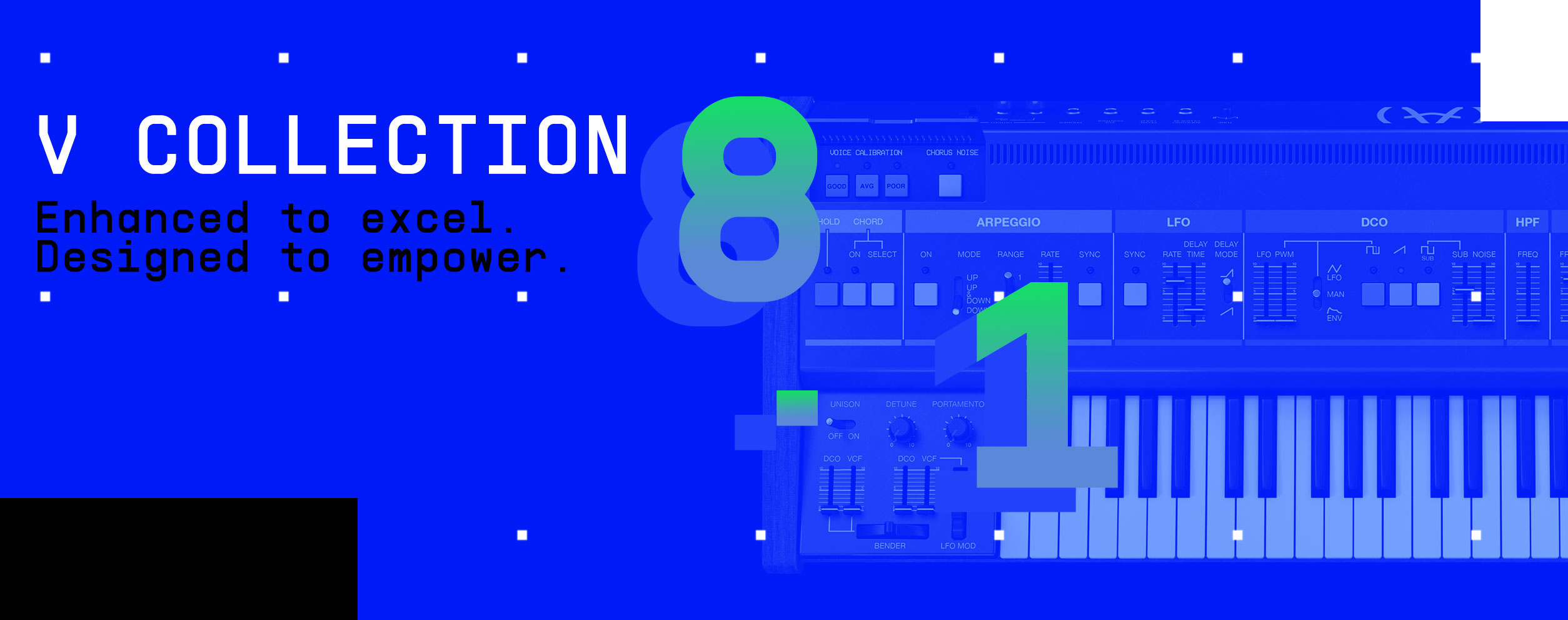
Enhanced to excel. Designed to empower.
With V Collection 8.1, Arturia’s legendary synth & keyboard anthology is more authentic, powerful, and accessible than ever. Here’s what’s new:
Microtuning compatibility
Selected V Collection instruments are now compatible with ODDSound’s microtuning software MTS-ESP, designed with the help of Aphex Twin.
Upgraded OB-Xa V sound engine
The growl machine has been fitted with detailed analog voice dispersion, improved envelope behaviour, VCO sync, and more.
Analog Lab V accessibility
Our all-in-one keyboard anthology now has Accessibility mode, with text-to-speech functionality for every tweak and preset change.
More in-app tutorial updates
We’ve updated even more instruments with detailed in-app tutorials, so you can learn from the pros as you go.
MIDI / macro improvements
MIDI CC assignment, macro customization, and a number of workflow improvements ensure that nothing gets in the way of your creativity.
NKS ready
V Collection presets are now compatible with Native Kontrol Standard, ensuring a fluid workflow in any setup.
How to update
1) Launch the Arturia Software Center (ASC)

The Arturia Software Center (aka ASC) lets you activate, install and update your Arturia virtual instruments on your computers.
2) Log into the Arturia Software Center

Enter the same email address and password as for your My Arturia account. You will then be able to find your Product License on the main panel.
3) Launch the update through the ASC

Look for the "My Update" section on the left of the window, then click the "Update all" to launch the silent installation process.



Write a comment