Article navigation:
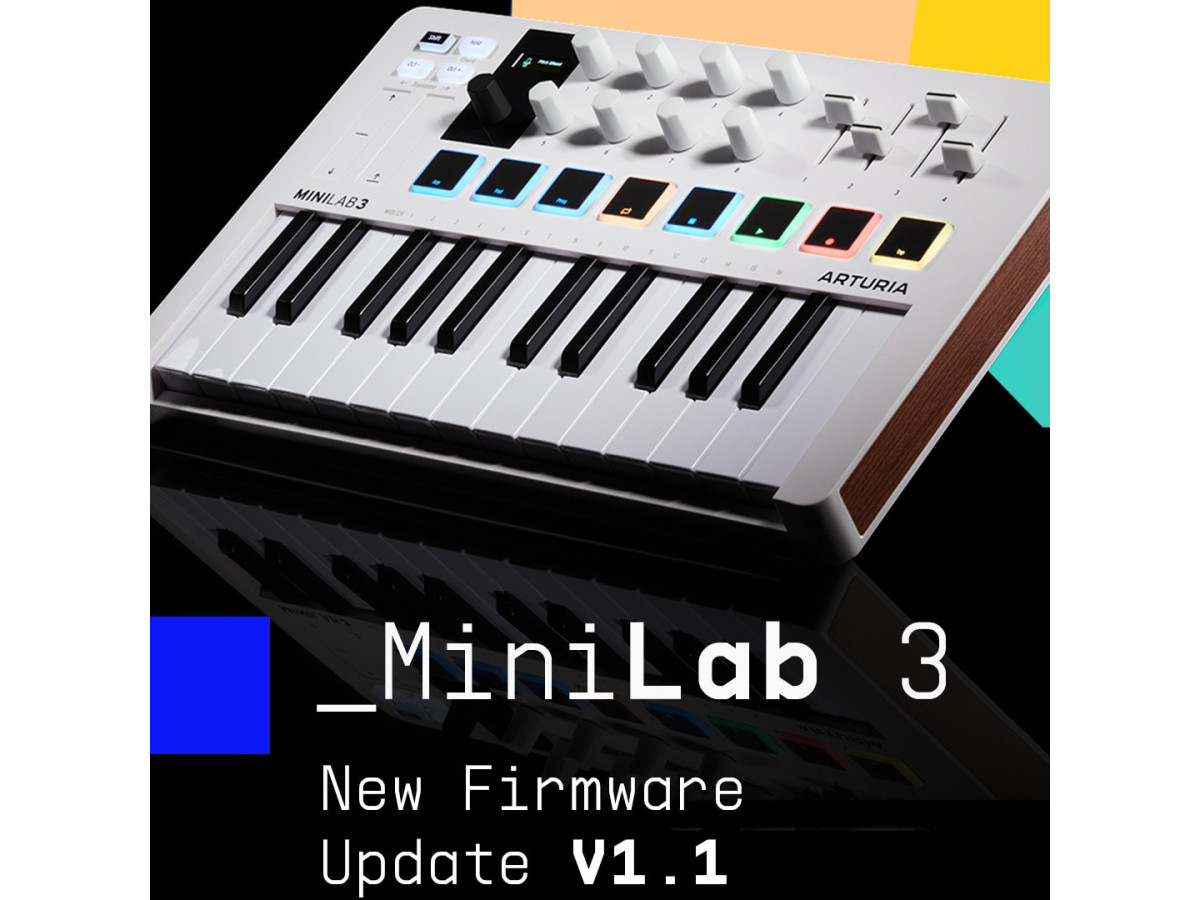
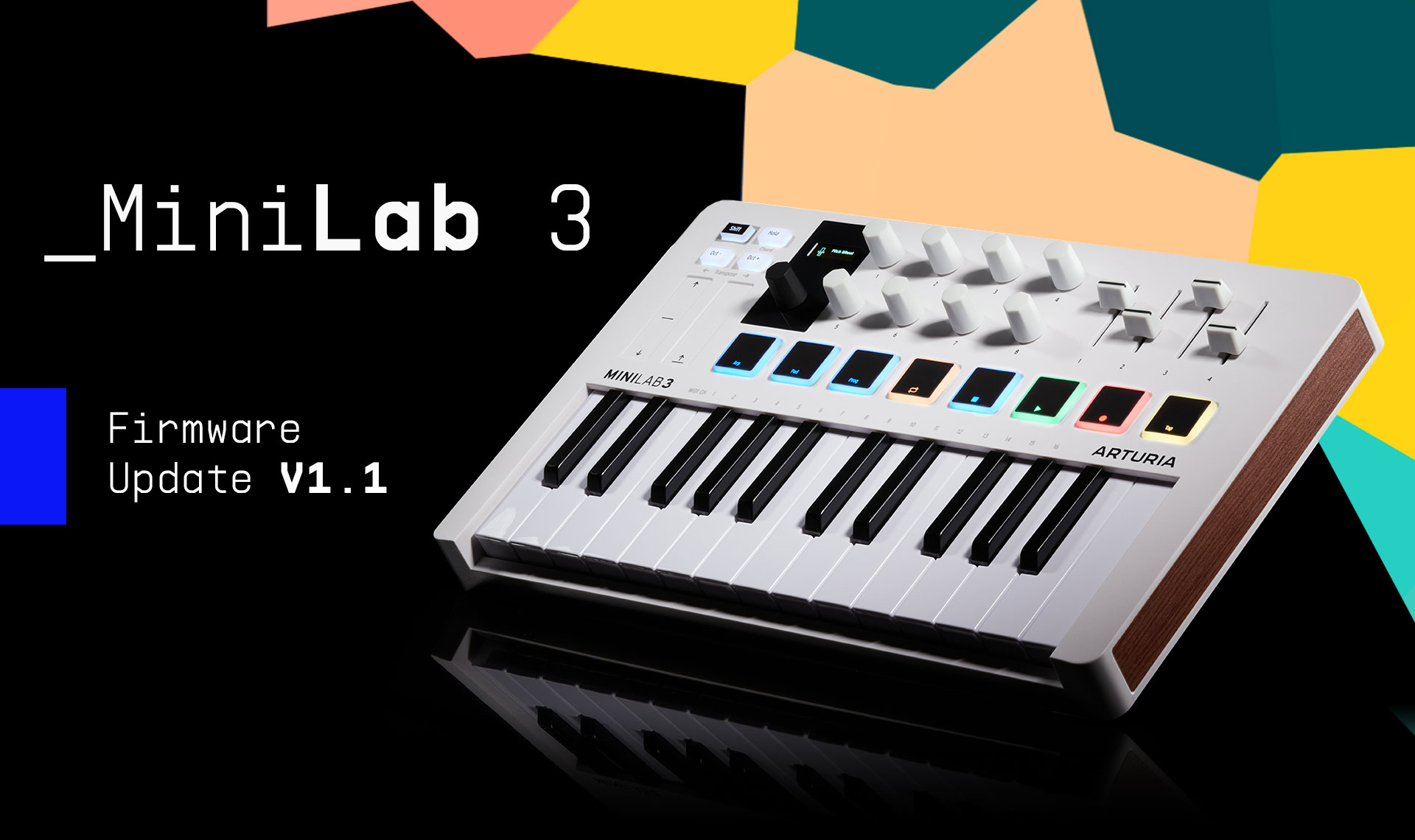
Arturia released the MiniLab 3 V1.1 firmware, a free update for users that brings performance improvements, enhanced DAW integration, creative upgrades based on user feedback, and bug fixes. This update aims to boost users’ MiniLab 3 workflows and offer more flexibility and functionality at no extra cost. The update available to download via Arturia’s MIDI Control Centre software.
MiniLab 3 V1.1 firmware - get your free update!
Thanks to the feedback from Artruria's global sound research community, they are pleased to introduce the MiniLab 3 V1.1 Firmware Update! Enhanced features, creative improvements, and performance fixes - out now & free for MiniLab 3 users.
What’s included?
Encoder modes
Set MiniLab 3’s encoders to Absolute or Relative, with multiple modes to choose from.
Transport Bank
Lock MiniLab 3’s pads in Shift mode for instant access to transport controls at all times.
Control any DAW
MiniLab 3 can now use HUI, MCU, or its own scripts for integration, including a new Cubase script - ready to control any DAW.
Auto Clock
MiniLab 3 will automatically use its internal clock if no DAW clock is detected, so you’re always in time.
New MCC options
Rename your custom programs, change MiniLab 3’s sleep mode settings, and more.
Performance fixes
A number of tweaks that make your DAW workflow easier, as well as useful bug fixes.
Here is how to update your MiniLab 3 firmware:
- A) Download the latest firmware version.
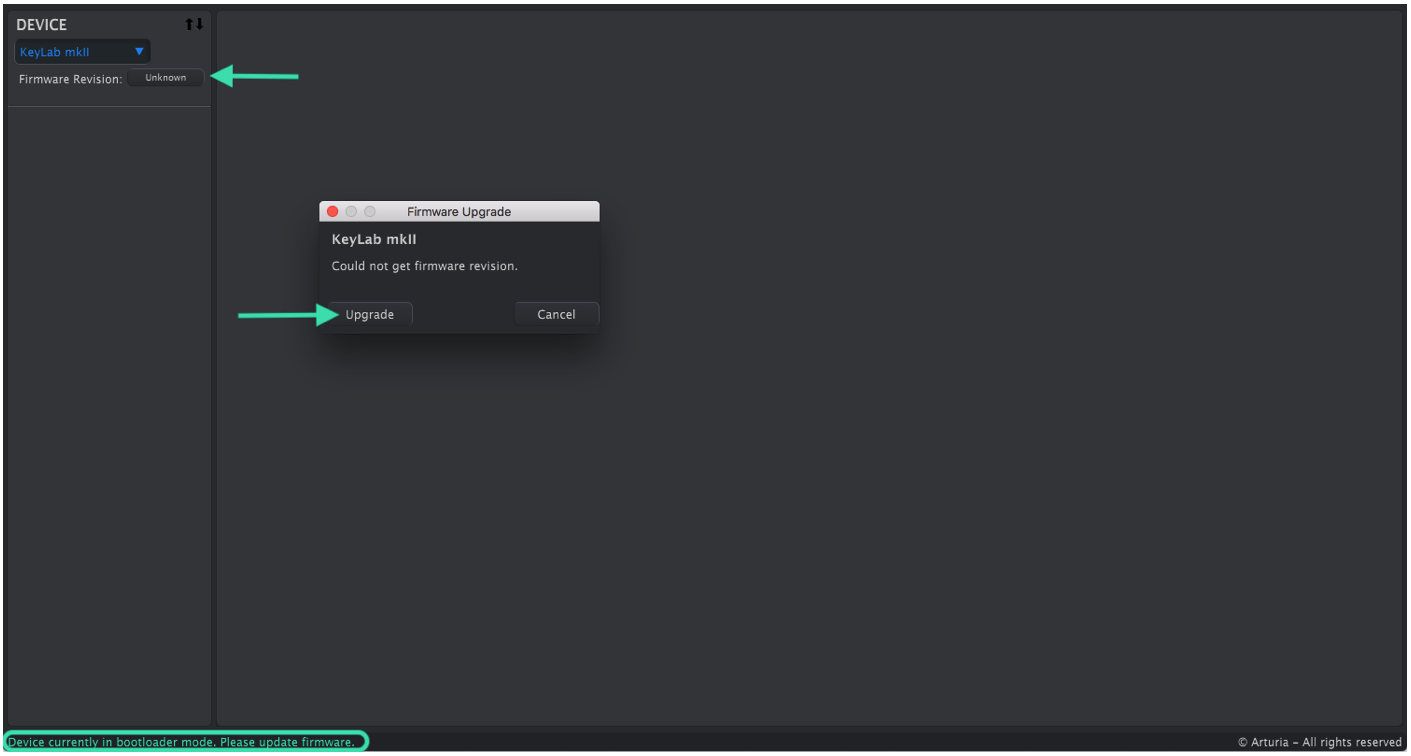
- B) Open the Midi Control Center (MCC for Win, MCC for Mac OS) and click on the Firmware Revision button.
- C) Click on “Upgrade".
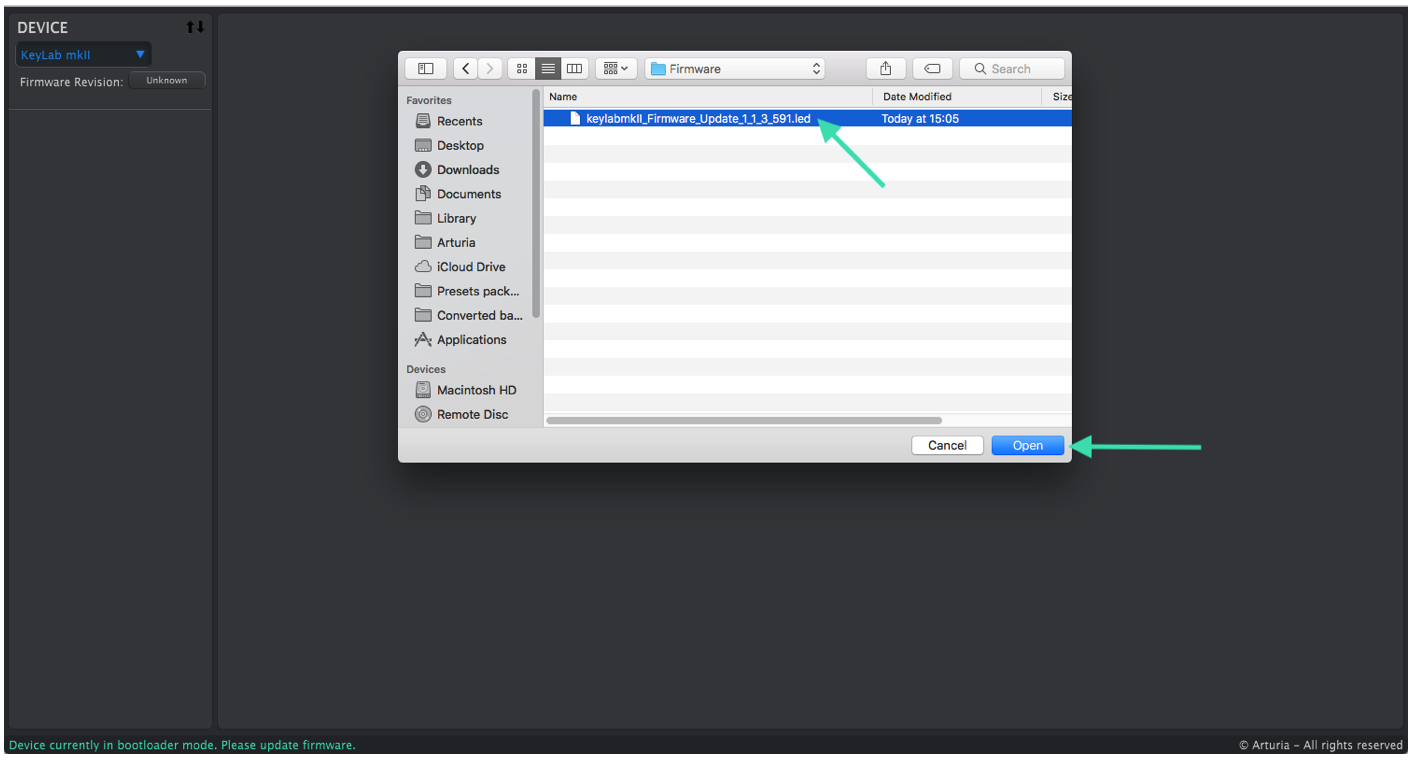
- D) Select the firmware file and click on “Open”
- E) Click on "OK" to start the upgrade process.
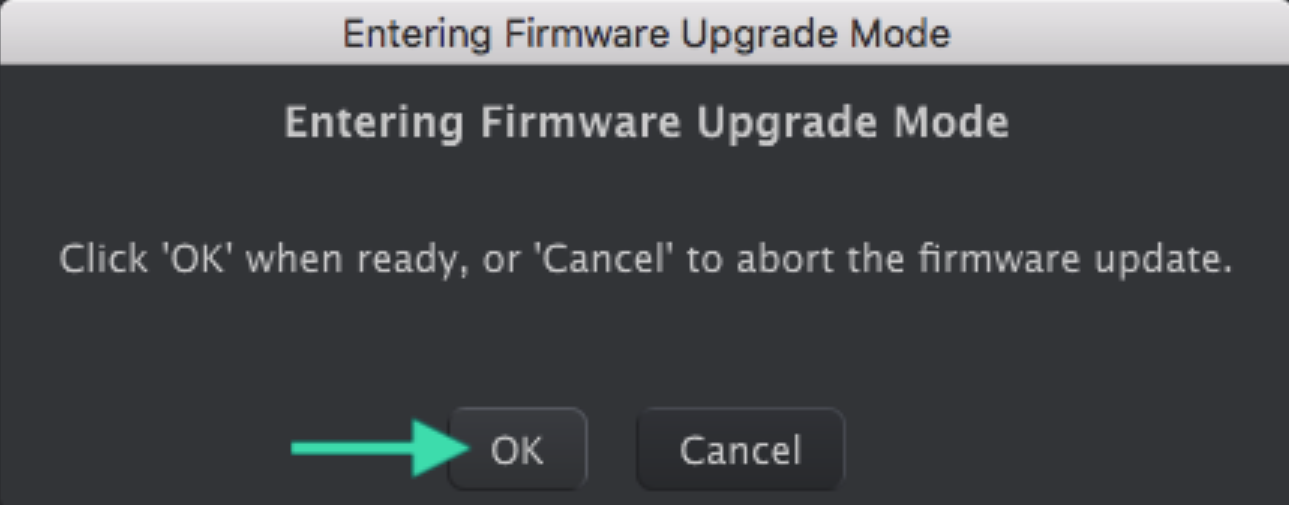
- The firmware update should now run smoothly.




Write a comment